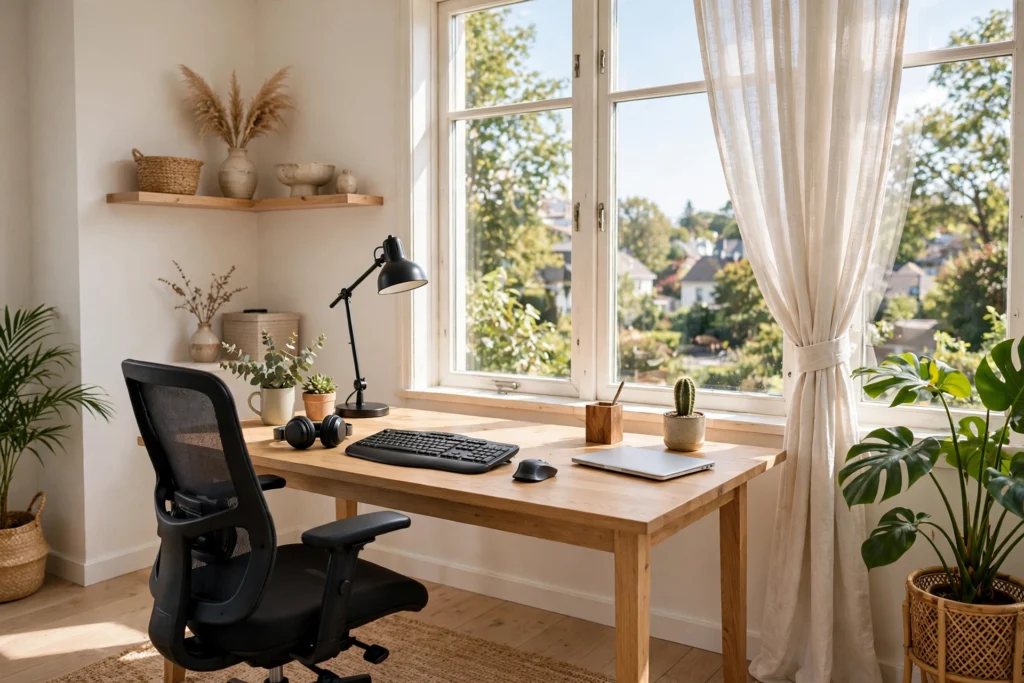

Your desk setup shapes your entire workday. The right home office desk setup ideas blend ergonomics, organization, and a little personality so you can focus deeply and finish the day without an aching back. Whether you have a dedicated room or a corner of the living room, these fifteen ideas will help you build a workspace that works as hard as you do. Start with our home office layout ideas.
1. Nail the Ergonomic Basics First
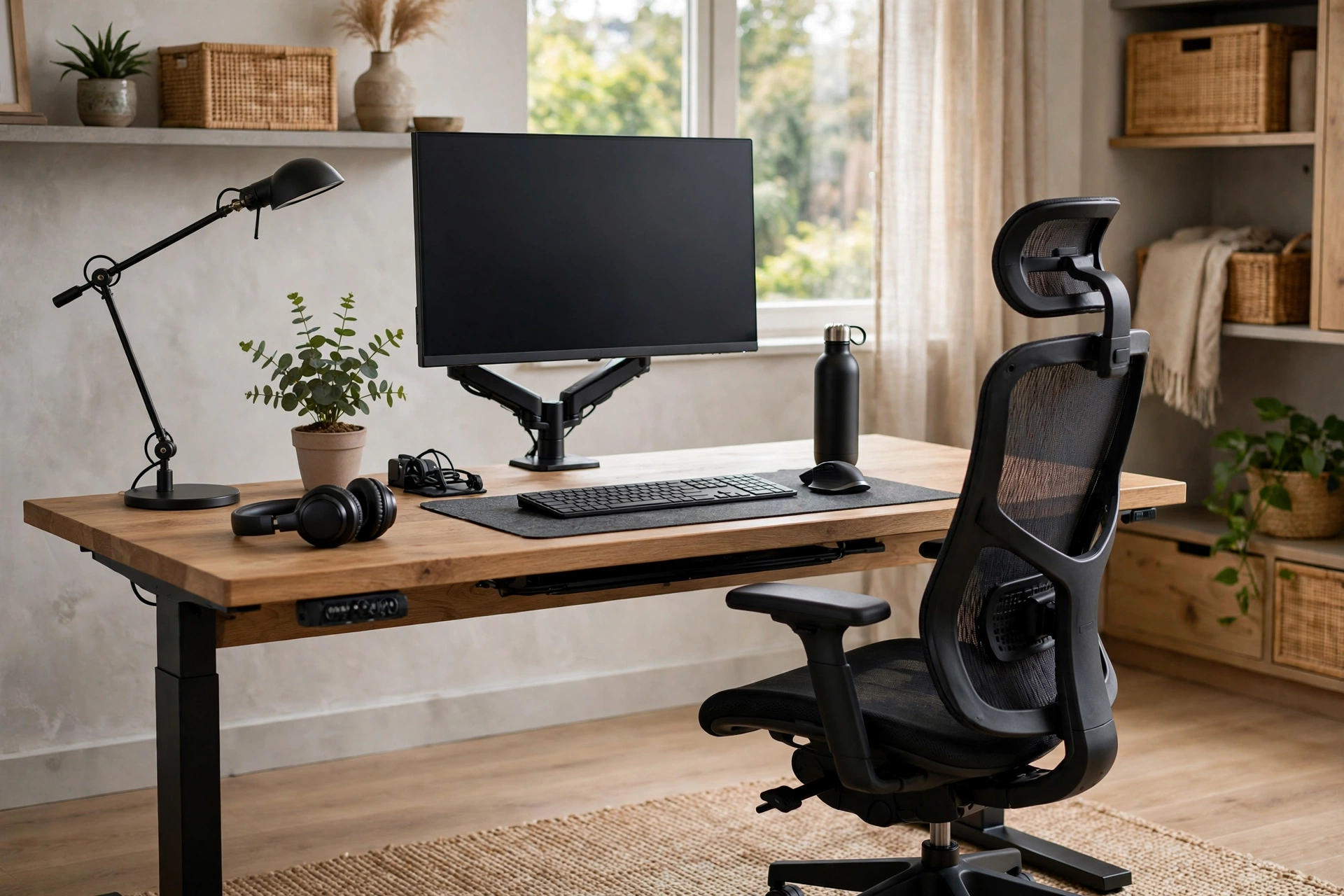
Before buying anything pretty, get the ergonomics right: chair height so feet rest flat, desk height so elbows sit at ninety degrees, and the monitor top at or just below eye level. These three measurements prevent the neck strain and backaches that derail afternoons. A basic adjustable chair and a monitor riser or stack of books fix most setups for under fifty dollars. Spend a week noticing where you fidget or ache, then adjust one thing at a time until sitting feels neutral and easy.
2. Face the Desk Toward Natural Light
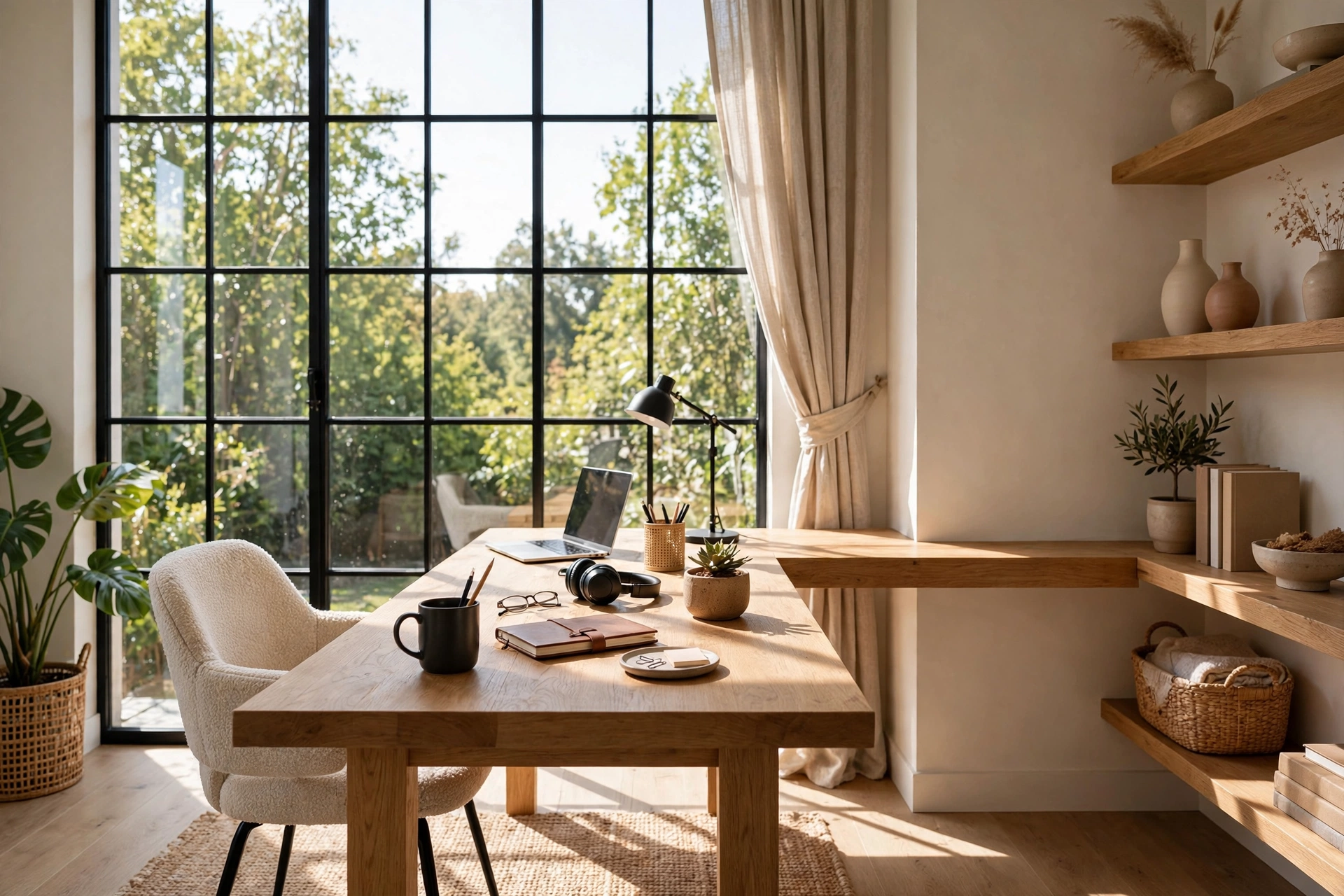
Position your desk perpendicular to a window rather than with your back or face to it. Side light illuminates your work without throwing glare on the screen or leaving you squinting on video calls. If the only option is facing the window, add sheer curtains to soften the brightness. Natural light regulates your energy and mood across the day, so this single placement decision affects how the whole setup feels. A small plant on the windowsill doubles the benefit.
3. Raise Your Monitor to Eye Level
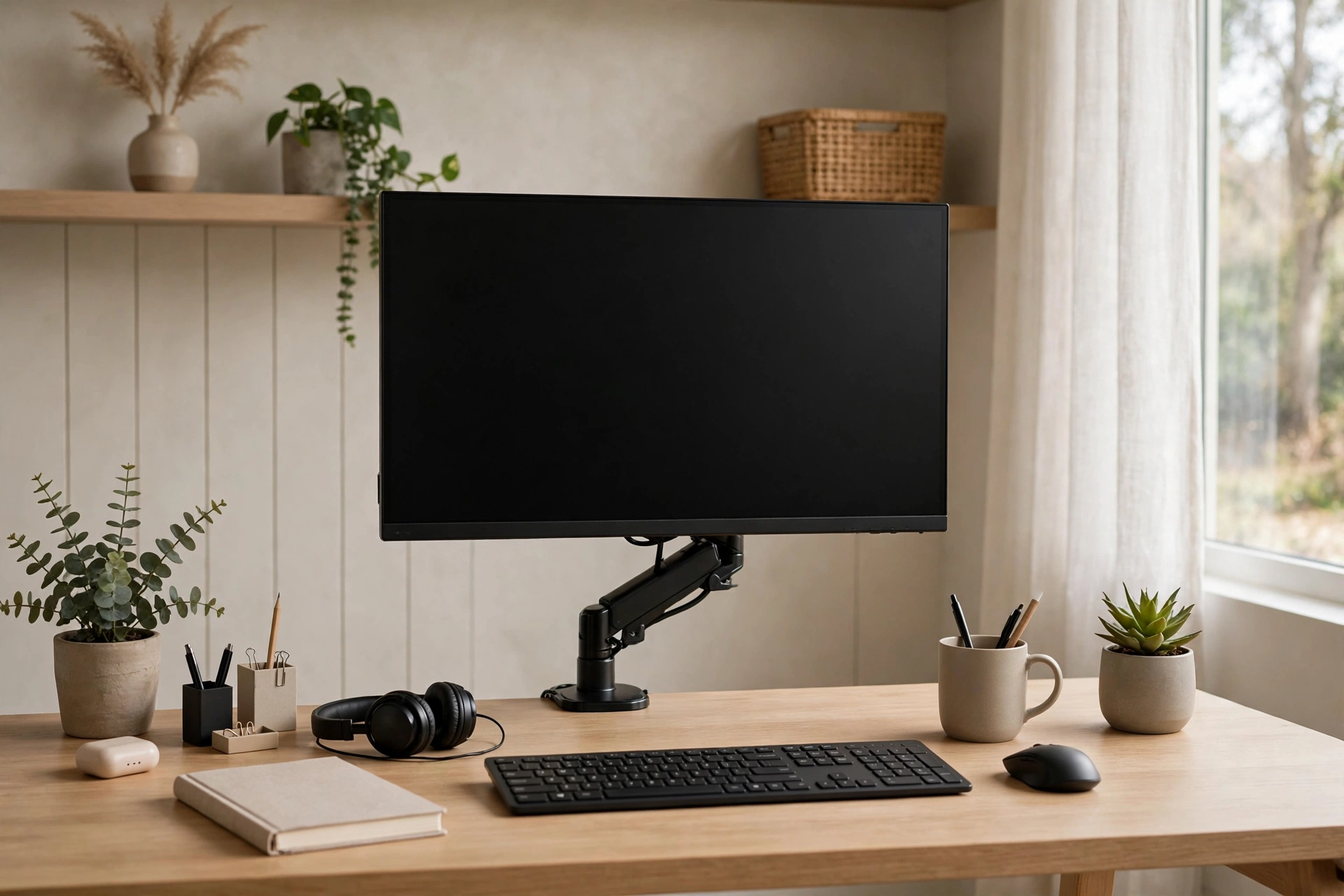
Laptops and low monitors force your neck into a permanent downward tilt, which is why a monitor arm or stand is one of the highest-impact upgrades you can make. The top of the screen should sit at or slightly below eye level, about an arm’s length away. A single monitor arm also frees the desk surface underneath for a notebook or keyboard tray. If you use a laptop as your main machine, pair it with an external keyboard and prop the laptop on a stand so the screen rises to the right height.
4. Consider a Sit-Stand Desk
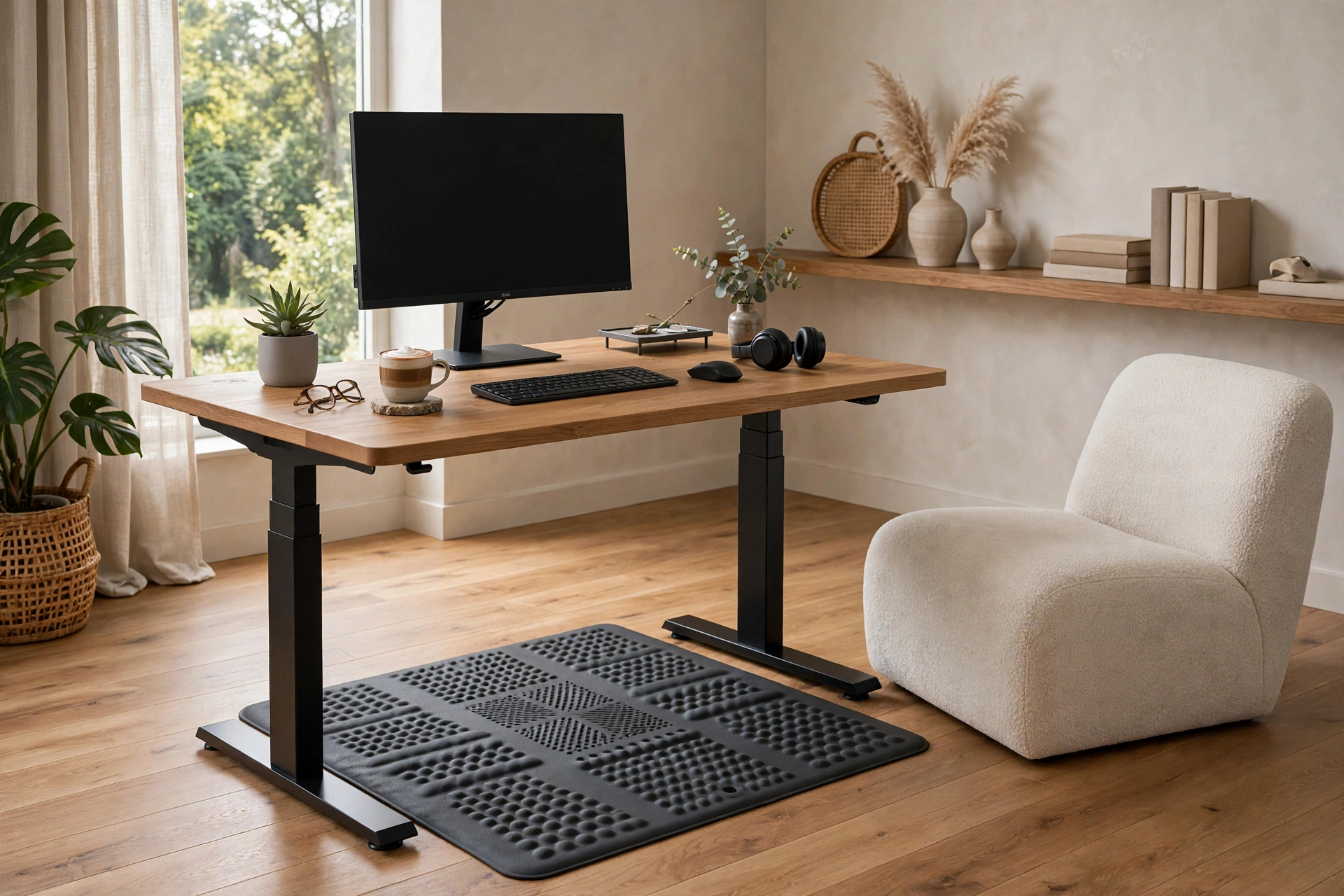
Alternating between sitting and standing keeps energy up and backs happier through long workdays. Electric sit-stand desks now come in compact sizes that fit small rooms, and many remember your preferred heights at the touch of a button. Start with twenty to thirty minutes of standing per hour and build up gradually — a cushioned anti-fatigue mat makes standing far more comfortable. Even a manual converter that sits on your existing desk delivers most of the benefit for less money.
5. Tame Cables Once and for All
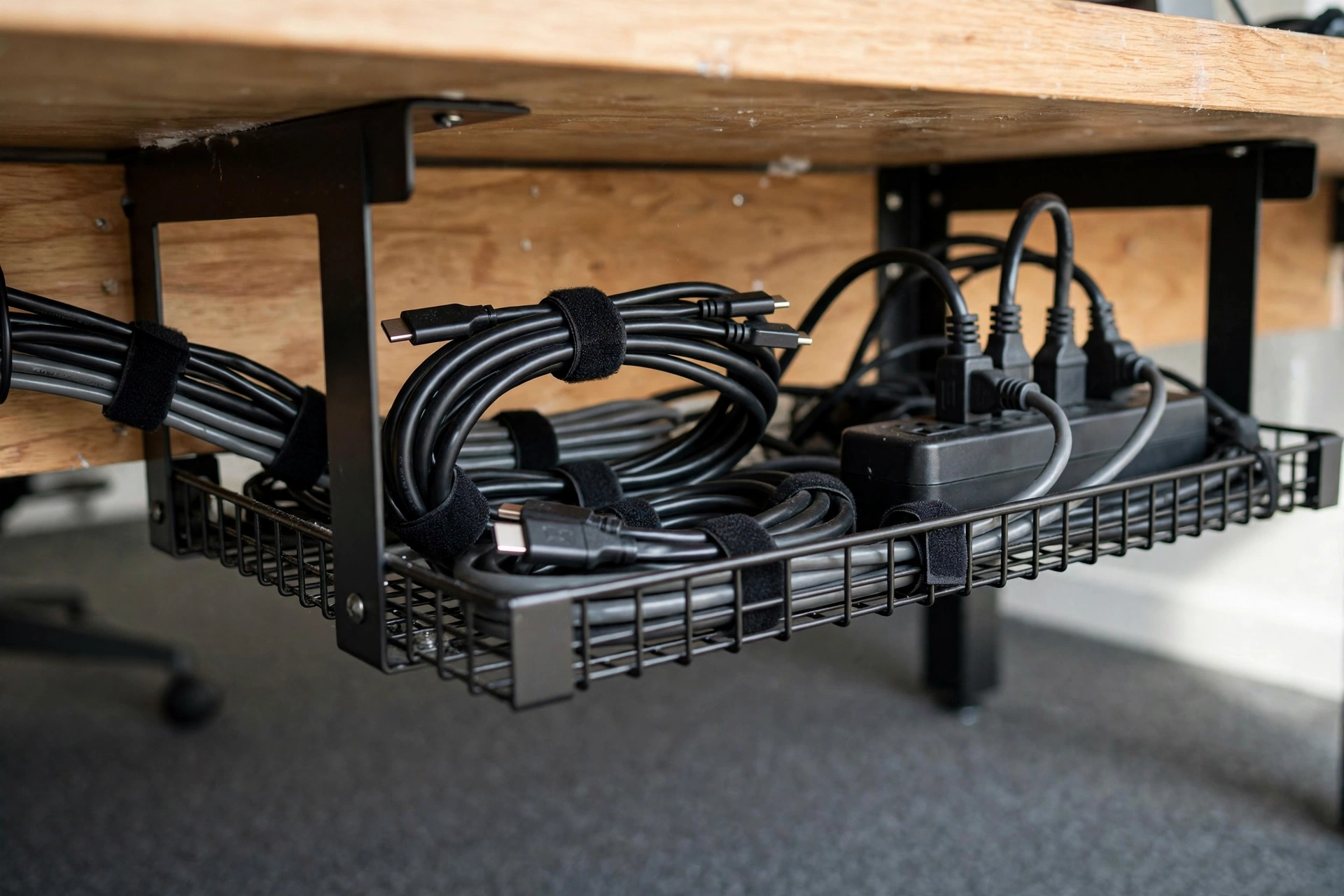
Visible cables make even a beautiful desk look chaotic, and they collect dust. Route everything through a cable tray under the desk, bundle cords with reusable ties, and use a single power strip mounted to the desk’s underside. Label both ends of each cable so troubleshooting takes seconds. A cable spine or sleeve hides the run from desk to floor. Do this once, properly, and your setup will look twice as expensive while being far easier to clean around.
6. Add a Proper Task Lamp
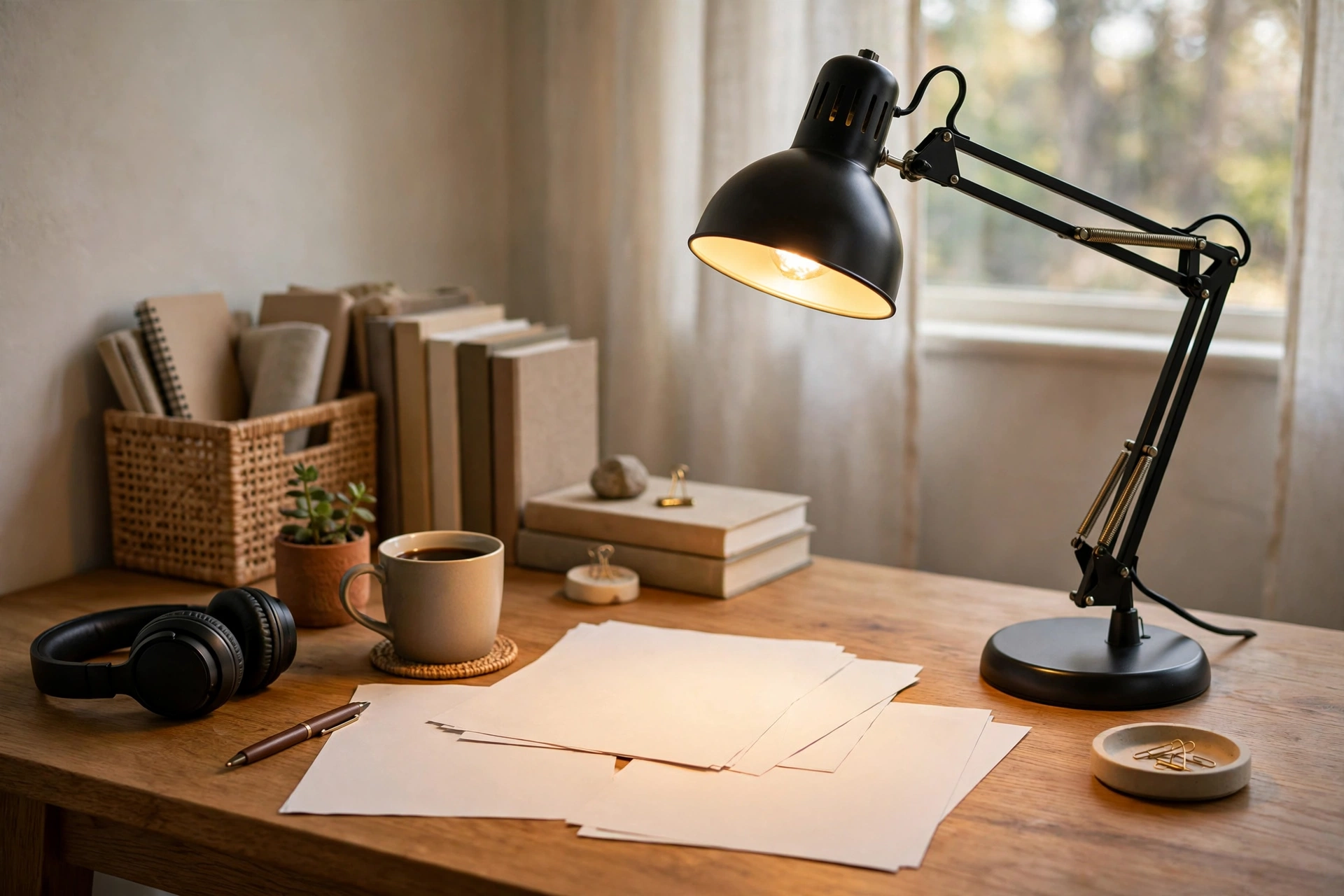
Overhead room lighting is rarely enough for desk work, and it creates screen glare. A dedicated task lamp with an adjustable arm puts light exactly where you need it — on documents, keyboards, and notebooks — without washing out the monitor. Choose one with adjustable color temperature so you can use cool bright light for focus and warm light for late emails. Position the lamp on the opposite side from your writing hand to avoid shadows. This is a small purchase with an outsized effect on eye comfort.
7. Go Dual Monitor — Thoughtfully
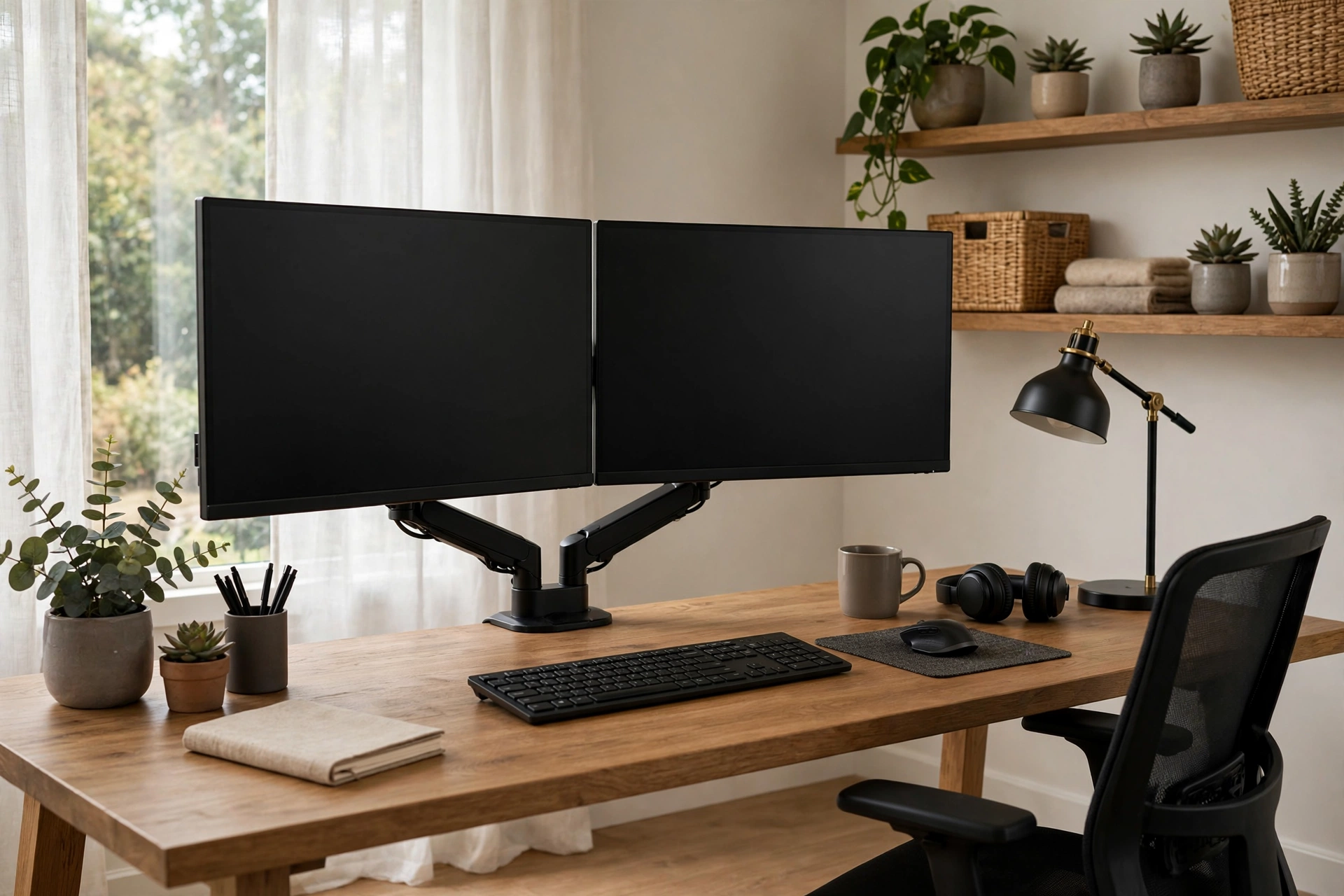
Two monitors boost productivity for anyone who juggles documents, spreadsheets, or research, but placement matters. Put your primary monitor directly in front of you and the secondary at a slight angle, both at the same height and distance. A dual monitor arm keeps the setup adjustable and reclaims desk space. If your work is mostly writing or email, one large ultrawide monitor may serve you better with less neck turning. Either way, match brightness and color settings so your eyes are not constantly adjusting.
8. Claim a Corner with an L-Shaped Desk
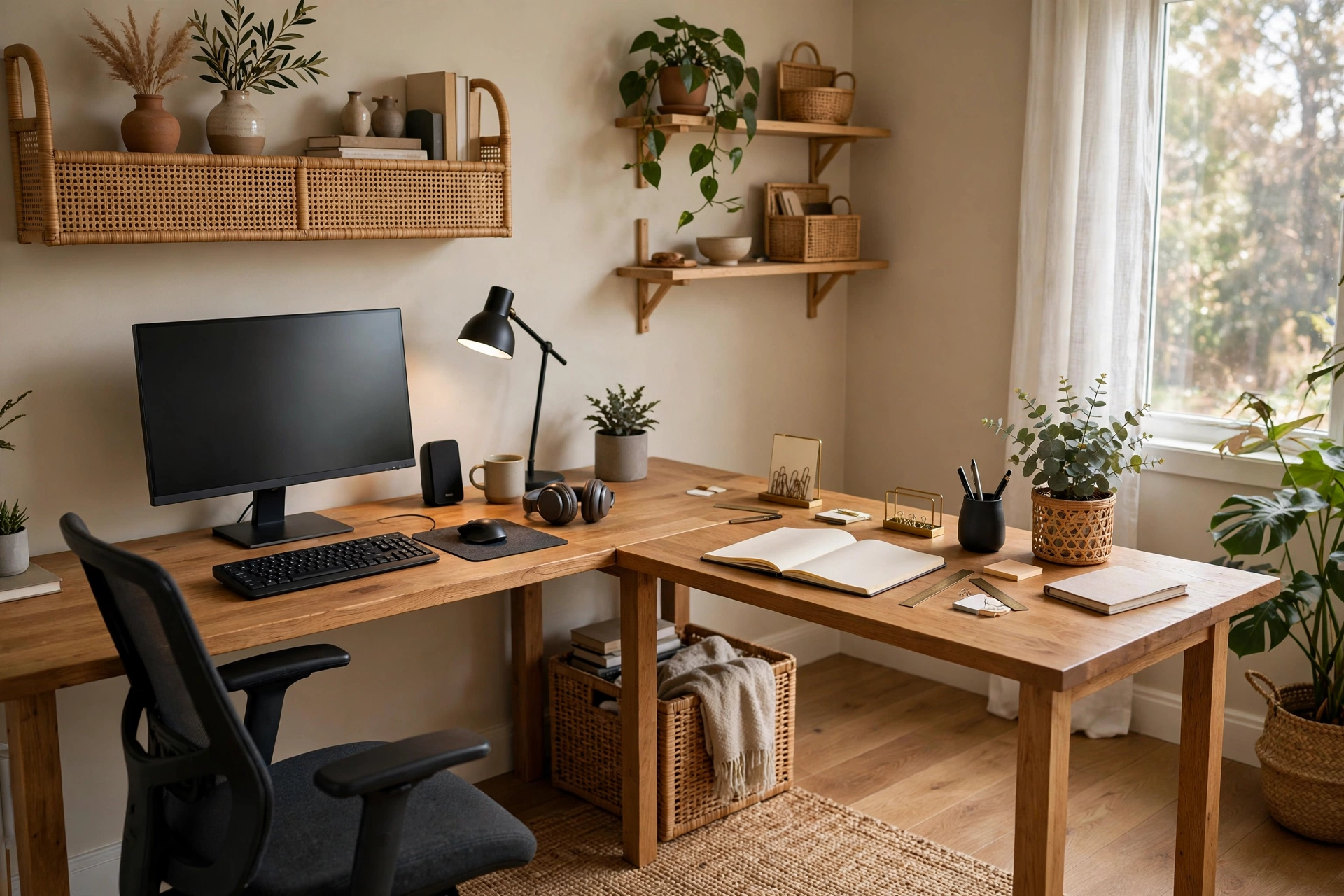
An L-shaped desk turns an overlooked corner into a generous workstation with distinct zones: computer on one wing, writing and reference space on the other. The corner itself becomes the perfect spot for a monitor arm or a small printer. This shape suits multitaskers who spread out, and it keeps everything within swiveling reach. Measure your corner carefully before buying, and leave enough clearance to push the chair back comfortably. In shared rooms, the L-shape naturally defines your work zone.
9. Embrace a Minimalist Setup
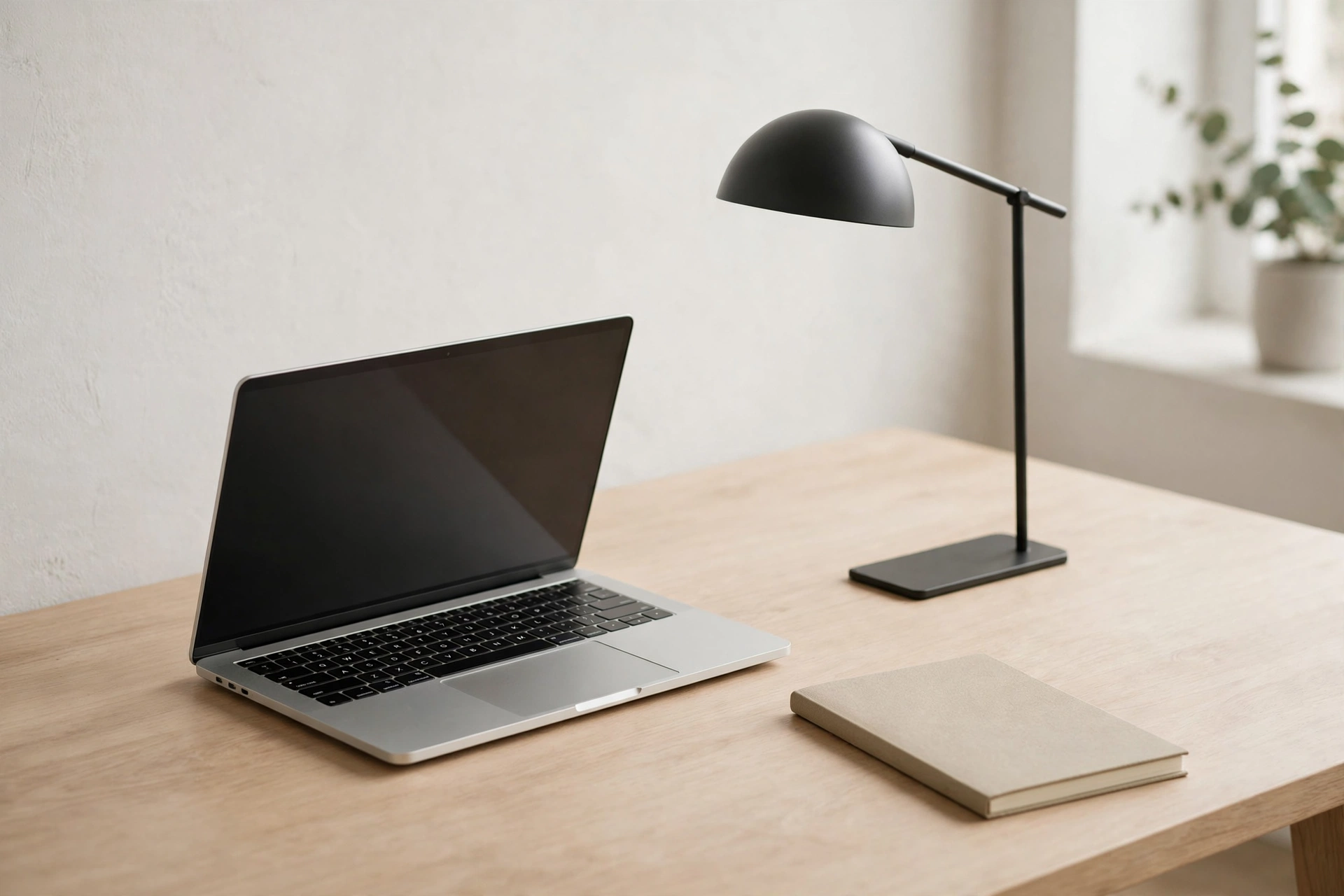
Fewer objects on the desk means fewer distractions and faster cleanup. Keep only the daily essentials on the surface — monitor, keyboard, lamp, one notebook, one pen — and relocate everything else to drawers or shelves. A minimalist setup photographs well but its real payoff is mental: a clear desk genuinely helps a busy mind settle. Use a desk with built-in drawers or add a slim rolling pedestal so the hidden storage is close. Adopt a five-minute end-of-day reset to keep the surface clear.
10. Mount a Fold-Down Desk in Tight Spaces
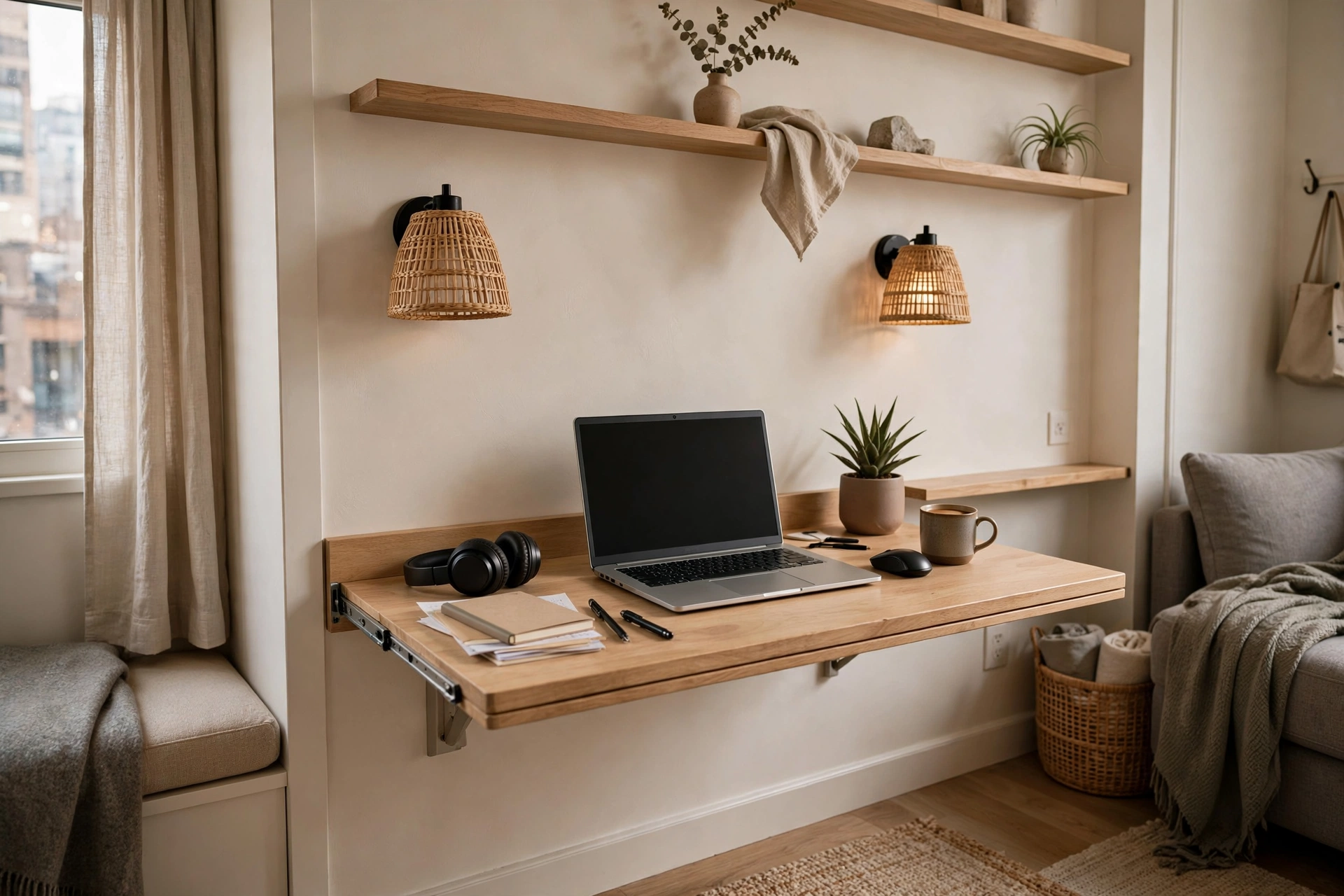
When there is no room for a permanent desk, a wall-mounted fold-down desk creates a full workstation that disappears after hours. These mount at standard desk height and typically hold a laptop, lamp, and notebook with ease. Choose one with interior shelving so supplies have a home when the desk is closed. It pairs beautifully with the small-space ideas in our closet office guide. Anchor it into studs for rock-solid stability.
11. Build a DIY Desk for a Custom Fit
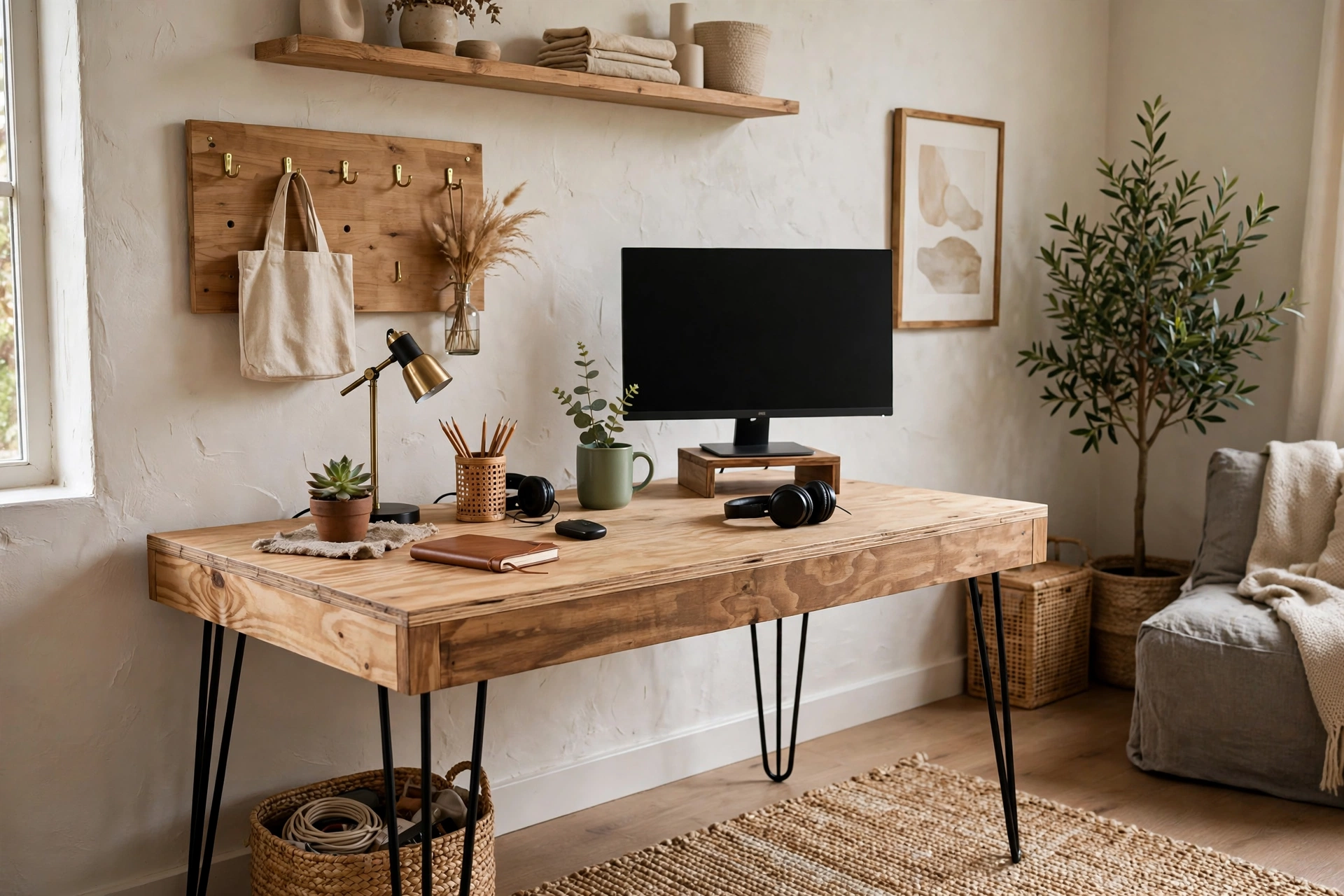
A custom desk does not require custom prices — a solid wood top on sturdy legs or filing cabinets creates a spacious, personal workstation. Building your own means the exact depth, height, and length your space needs, and you can choose materials that match your room. Plenty of approachable DIY desk designs use simple lumber and hairpin legs for a weekend project. Sand and seal the top well since it will take daily abuse, and add a cable grommet before you finish.
12. Add Wall Shelves Above the Desk
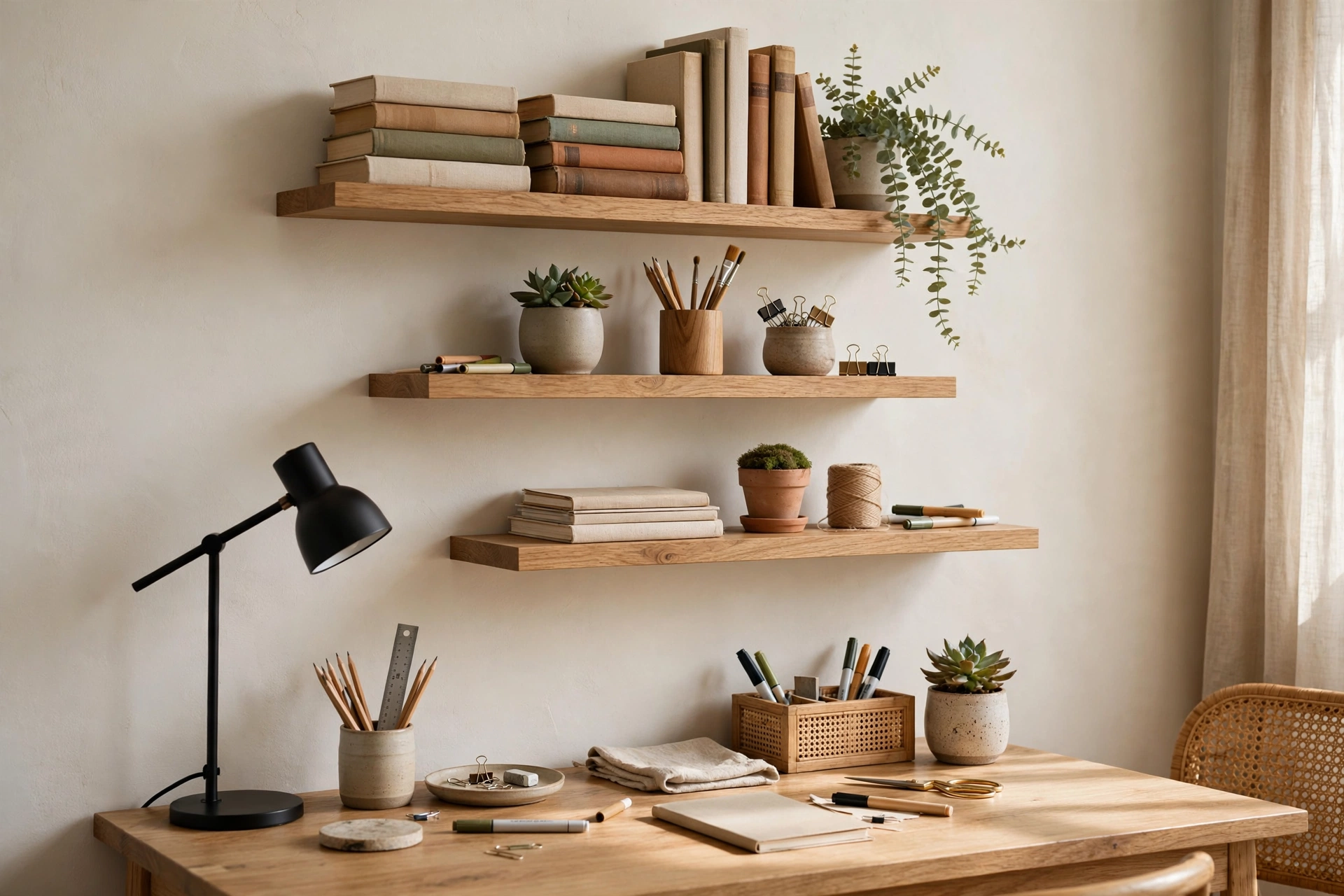
The wall above your desk is free real estate for everything you need within arm’s reach but off the work surface. Two floating shelves hold reference books, a printer, supplies in pretty boxes, and a plant. Keep the lowest shelf high enough that you never bonk your head when standing — about eighteen inches above the desk works for most people. Style the shelves lightly so they inspire rather than distract. Vertical move is one of the smartest small-space storage strategies for compact work zones.
13. Create Zones with Desk Organizers
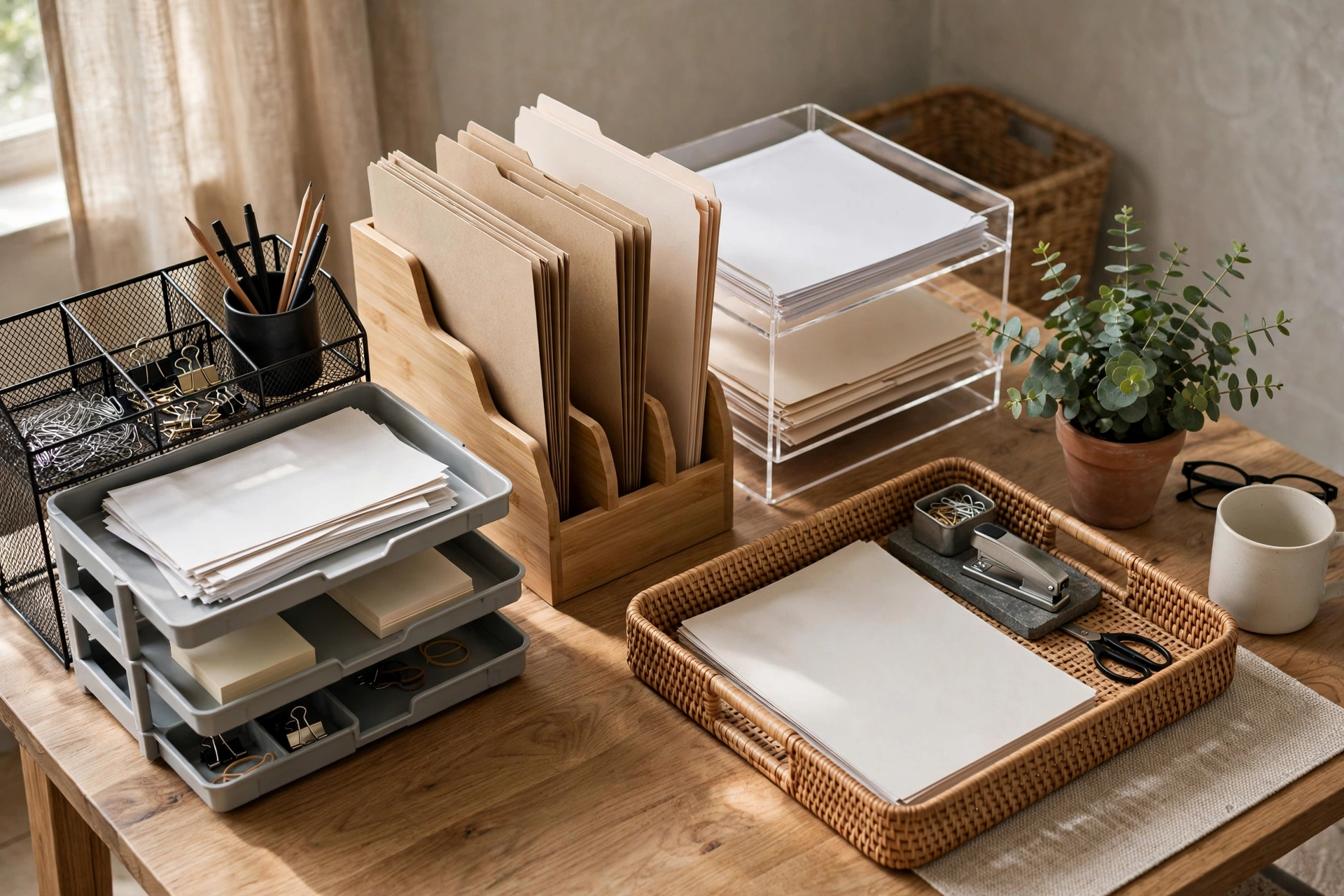
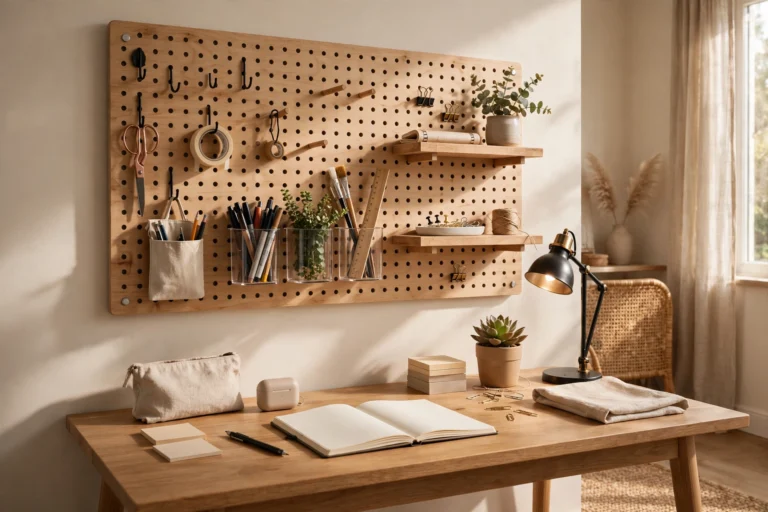
A desk without zones becomes a landscape of piles. Use a tray for incoming papers, a small drawer unit for supplies, a stand for the phone or tablet, and a cup for pens — each category gets one defined home. Vertical file holders beat horizontal piles because you can see every folder’s tab. Keep the organizers in a consistent material or color so they look like a set. Review the zones monthly and evict anything that has not earned its spot.
14. Bring Nature to the Desktop
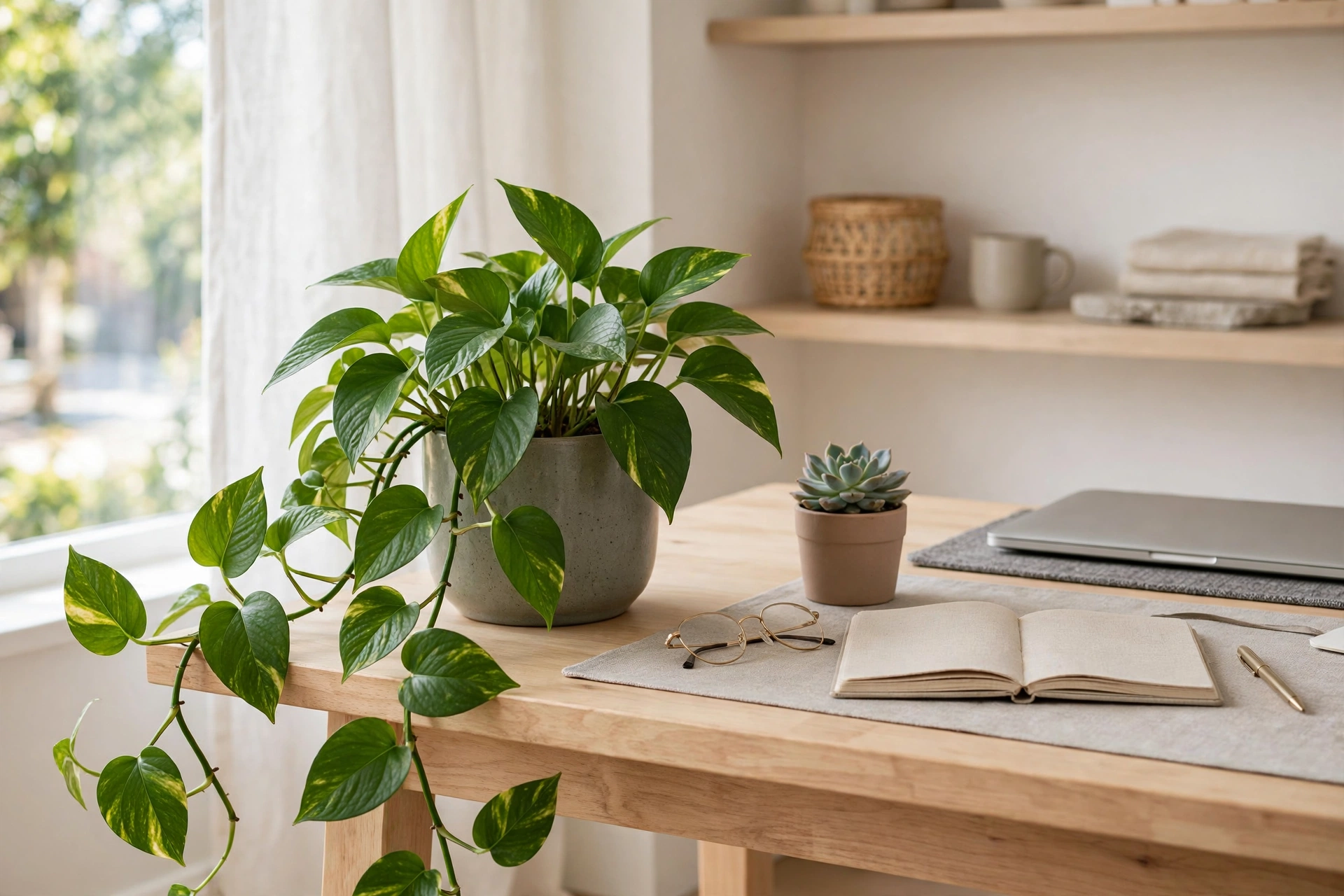
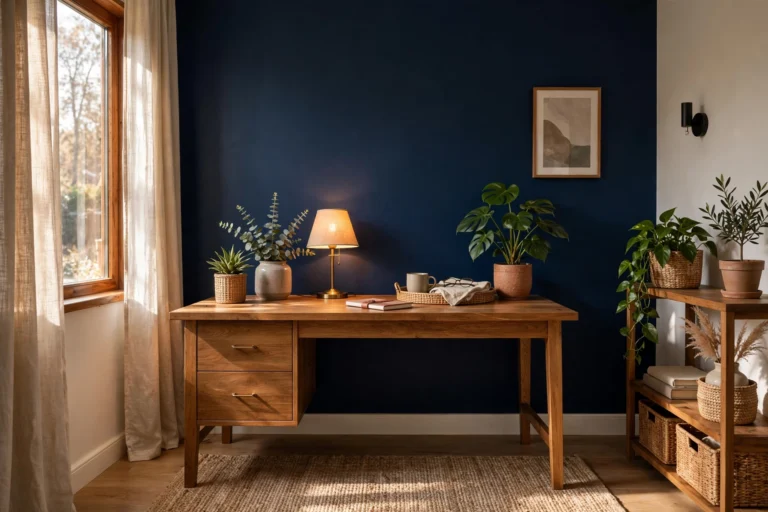
A plant or two on or near the desk softens the tech-heavy setup and has been shown to lift mood and focus. Choose forgiving varieties like pothos, snake plants, or ZZ plants that tolerate office light and occasional neglect. A small plant on the desk plus a larger one in the corner creates layers without crowding your work area. If you travel or forget watering, a high-quality faux plant still delivers the visual calm. A vase of fresh eucalyptus is a lovely low-commitment alternative.
15. Finish with Comfort Details
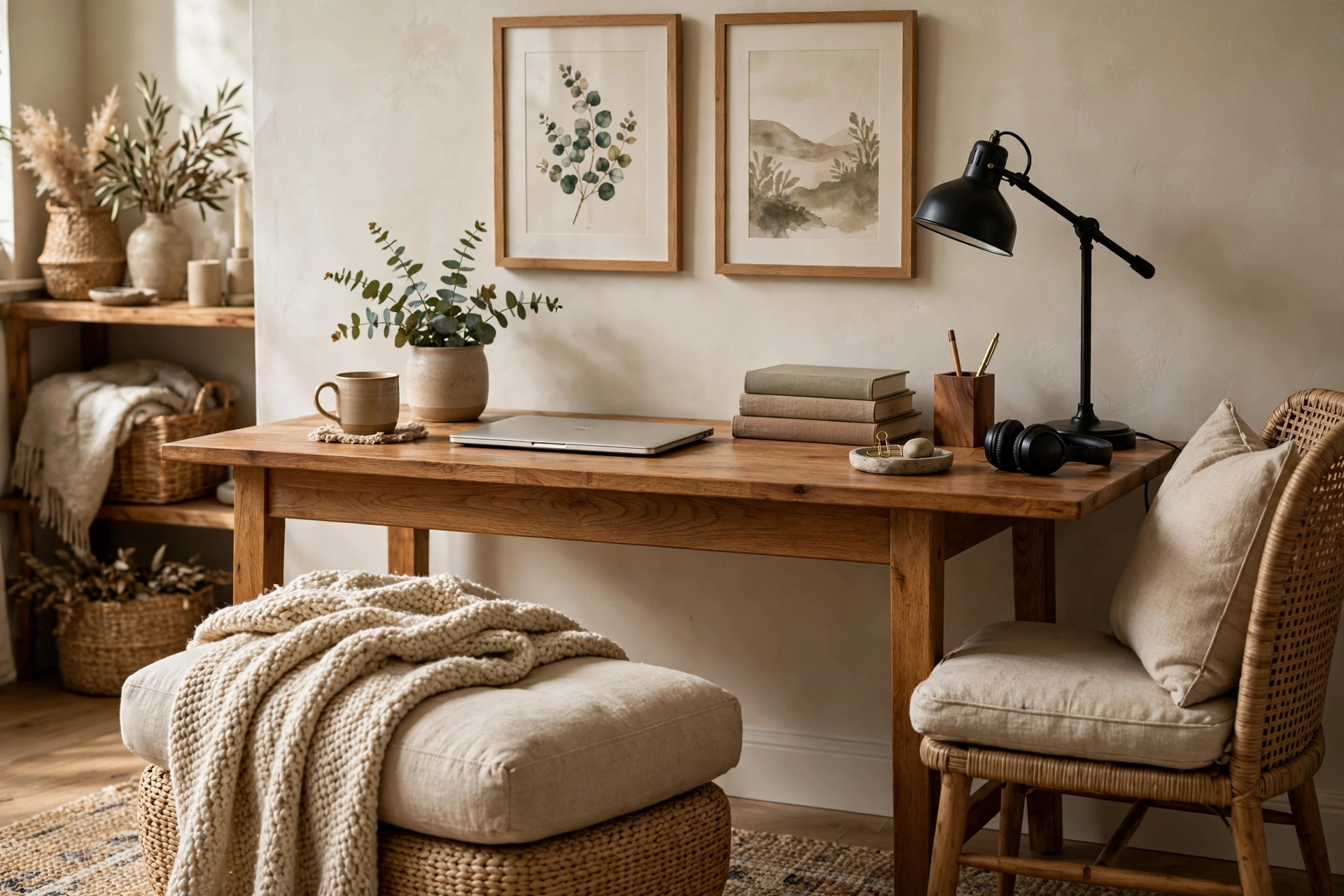
The final layer is what makes the setup yours: a supportive footrest, a wrist rest at the keyboard, a cozy throw on the chair, and artwork at eye level. These details signal to your brain that this is a cared-for place where good work happens. Scandinavian home office ideas show. Keep personal items to a few meaningful pieces rather than a crowded gallery — the goal is comfort that supports focus, not decor that competes with it.
Frequently Asked Questions
What is the ideal desk setup for working from home?
The ideal setup starts with ergonomics: a supportive chair, desk at elbow height, and monitor at eye level an arm’s length away. Add layered lighting with natural light plus a task lamp, tame your cables, and keep only daily essentials on the surface. Finally, personalize with a plant and a few meaningful objects. Comfort and focus come from getting the fundamentals right before adding style.
How do I set up a home office desk in a small space?
Choose a compact or wall-mounted fold-down desk, push it against a wall or into a corner, and build upward with floating shelves instead of outward with furniture. A slim rolling cart holds supplies beside the desk, and a laptop with a stand replaces a bulky monitor setup. Keep the palette light and the surface minimal so the nook feels airy rather than cramped.
Should my desk face the window or the wall?
Perpendicular to the window is usually best: you get natural light on your work without screen glare or harsh backlight on video calls. Facing the wall works well if you mount inspiring art or shelves there and get light from the side. Avoid facing directly into a bright window, which causes squinting, and avoid sitting with your back to it, which puts your face in shadow on calls.
How can I make my desk setup more comfortable for long days?
Invest in the chair first — it matters more than the desk. Add a footrest so your feet are supported, a wrist rest for typing, and an anti-fatigue mat if you stand part of the day. Take micro-breaks to stretch every hour, and vary your posture with a sit-stand desk if possible. Small comfort upgrades compound: each one removes a tiny friction that would otherwise drain you by 4 p.m.
What should I keep on my desk vs. store away?
Keep only what you touch daily: computer, keyboard, lamp, notebook, pen, water, and phone. Store reference materials, extra supplies, chargers, and paperwork in drawers, shelves, or a nearby cart. The test is simple — if you have not reached for it in a week, it does not earn desk space. A clear surface is not about minimalism for its own sake; it is about removing visual noise so your attention stays on the work.
Keep Exploring
A great desk setup is never truly finished — it evolves as your work changes. Revisit these home office desk setup ideas every few months, adjust what is not working, and keep refining until the space feels effortless.
If your workspace lives in a tight spot, our closet office ideas prove that even a few square feet can hold a fully functional office. Pair the right desk with good lighting and thoughtful storage, and working from home starts feeling like an upgrade instead of a compromise.




[…] this guide covers 15 ideas for building an immersive play zone that also happens to look fantastic. Home office desk setup ideas for focus and comfort, because a setup that feels good during a workday feels even better during a late-night session. […]
[…] happy to colors that support focus, choosing an office rug is part design and part ergonomics. Once your desk setup is dialed in with our home office desk setup ideas for focus and comfort, the rug completes the room. Here are 15 home office rug ideas for a grounded, focused […]
[…] whole bedroom feel like a place of obligations. If you are setting up a bigger workstation, these home office desk setup ideas for focus and comfort cover monitor heights, keyboard positioning, and layout tricks that translate perfectly to a […]
[…] setup. For the broader workstation picture — desk placement, monitor height, lighting — see our home office desk setup ideas for focus and comfort. Here, every idea below is about the seat you spend your day […]
[…] weight) gives you pegboard convenience with zero holes. Complement a compact workstation with these home office desk setup ideas for focus and comfort to make every inch of the tight corner ergonomic […]