
A great gaming setup is about more than frame rates — it is a space that pulls you into the game the moment you sit down. The right gaming setup decor ideas blend atmosphere, comfort, and smart organization so your battlestation feels like a destination, not a pile of peripherals. Whether you game in a dedicated room or a corner of the bedroom, thoughtful decor turns hardware into an experience.
From RGB lighting that shifts with your mood to acoustic panels that look like art, this guide covers 15 ideas for building an immersive play zone that also happens to look fantastic. Home office desk setup ideas for focus and comfort, because a setup that feels good during a workday feels even better during a late-night session. Let us build your zone.
1. RGB Backlighting for Instant Atmosphere
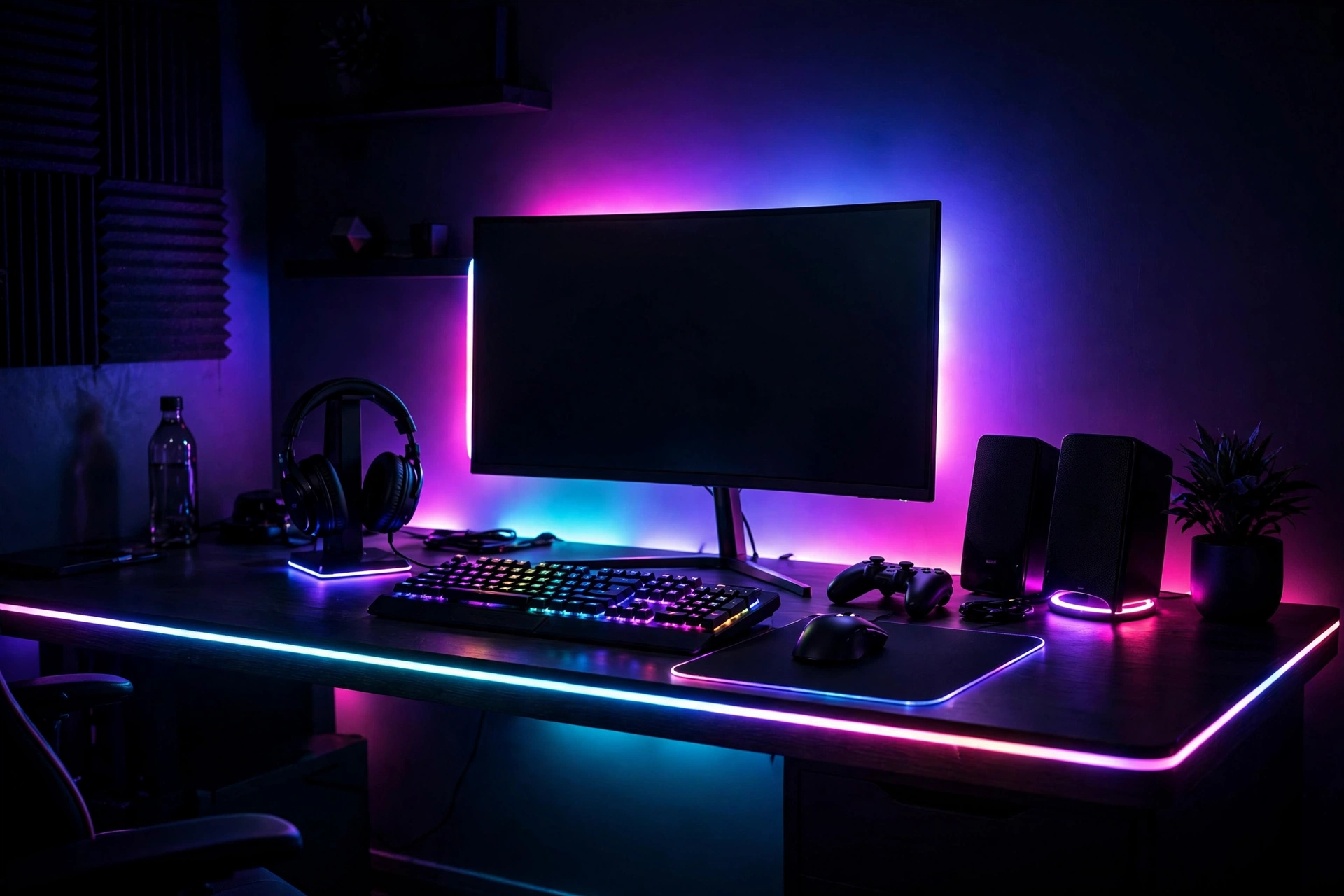
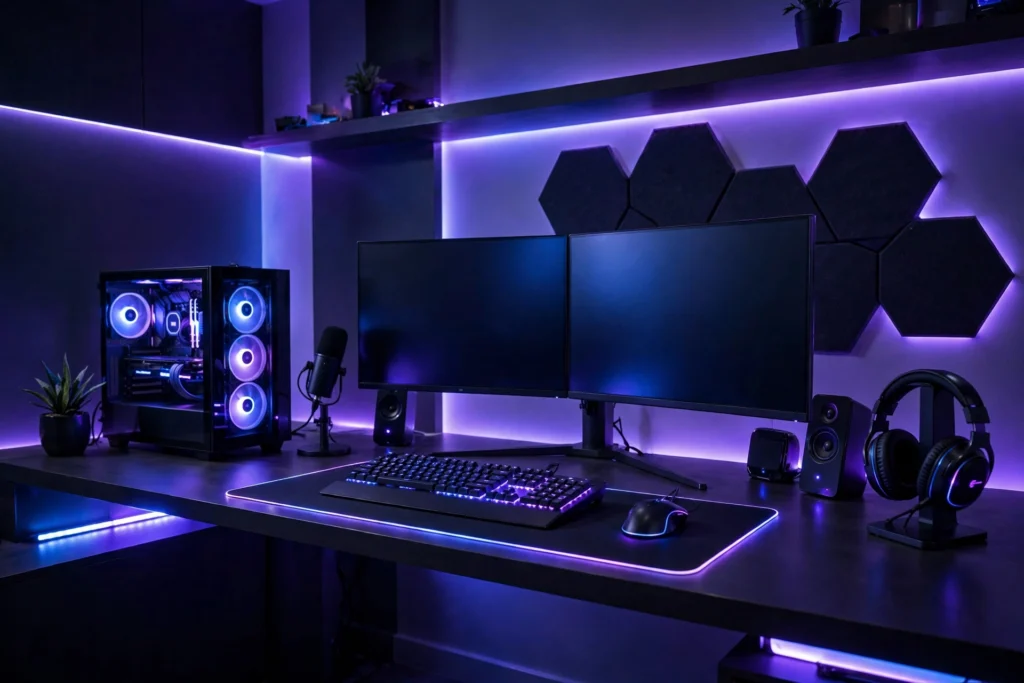
RGB backlighting is the single fastest way to make a gaming corner feel immersive. A strip of addressable LEDs behind your monitor, desk, or shelving washes the wall in color, reduces eye strain by softening the contrast between screen and room, and instantly signals that this is a play zone. Choose strips with app or voice control so you can shift from cool blue for focus to warm amber for winding down. Mount strips on the back edge of the desk and behind wall shelving so the glow appears to float, and keep the room’s lighting dim to let the color do the talking.
2. An Ultrawide or Dual-Monitor Command Center
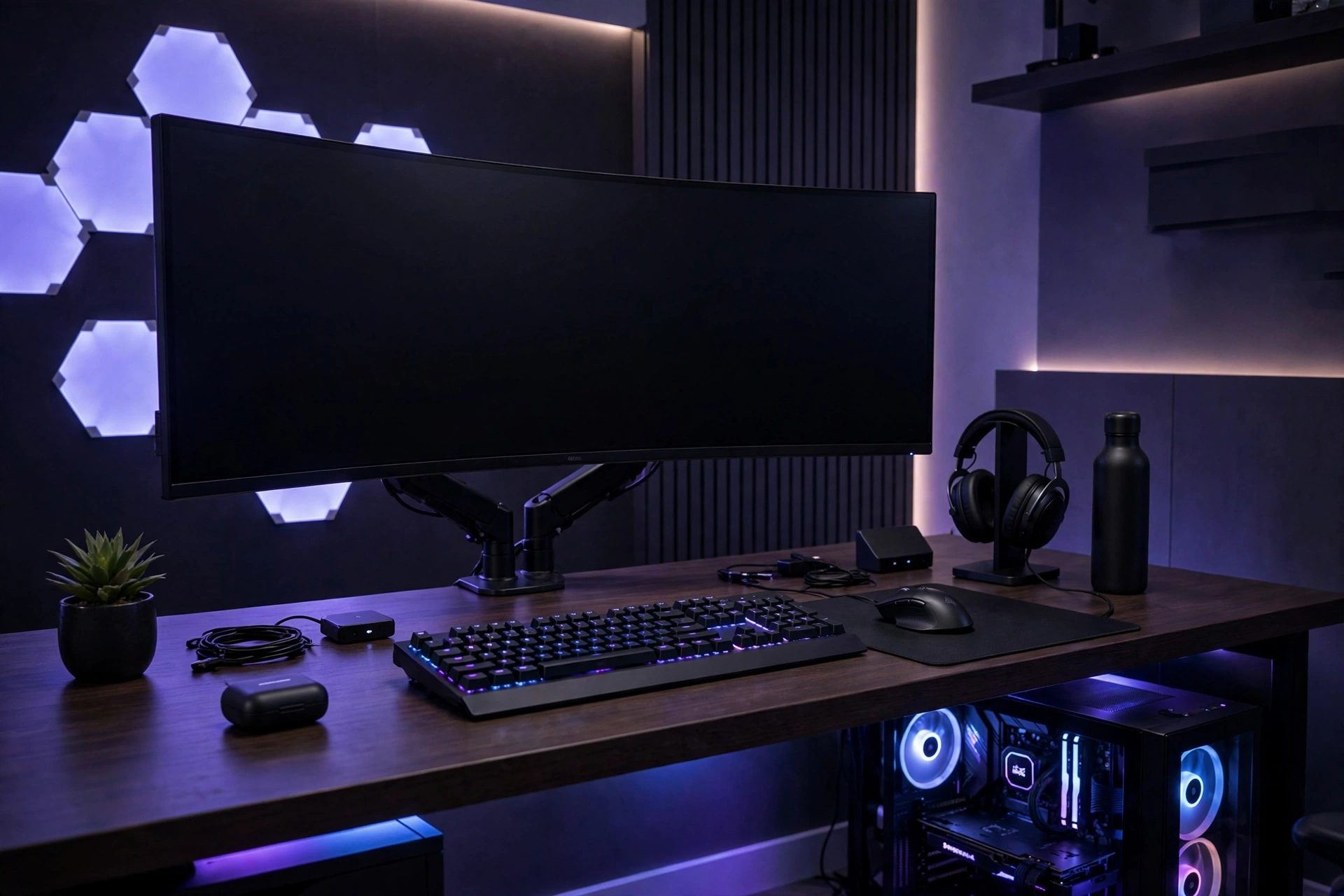
Your monitors are the visual anchor of the setup, so treat them like a design feature. An ultrawide curved display creates a wraparound field of view that feels premium, while dual monitors give you a game screen plus a chat, stream, or guide screen. Mount both on a single monitor arm to free desk space and achieve perfect alignment — floating screens look far cleaner than stands cluttering the surface. Match bezel colors and wallpapers for cohesion, and route cables through the arm’s channels. If you stream, position a camera-friendly monitor arrangement with your key light at eye level so the whole command center reads as intentional on video.
3. Acoustic Wall Panels That Double as Art
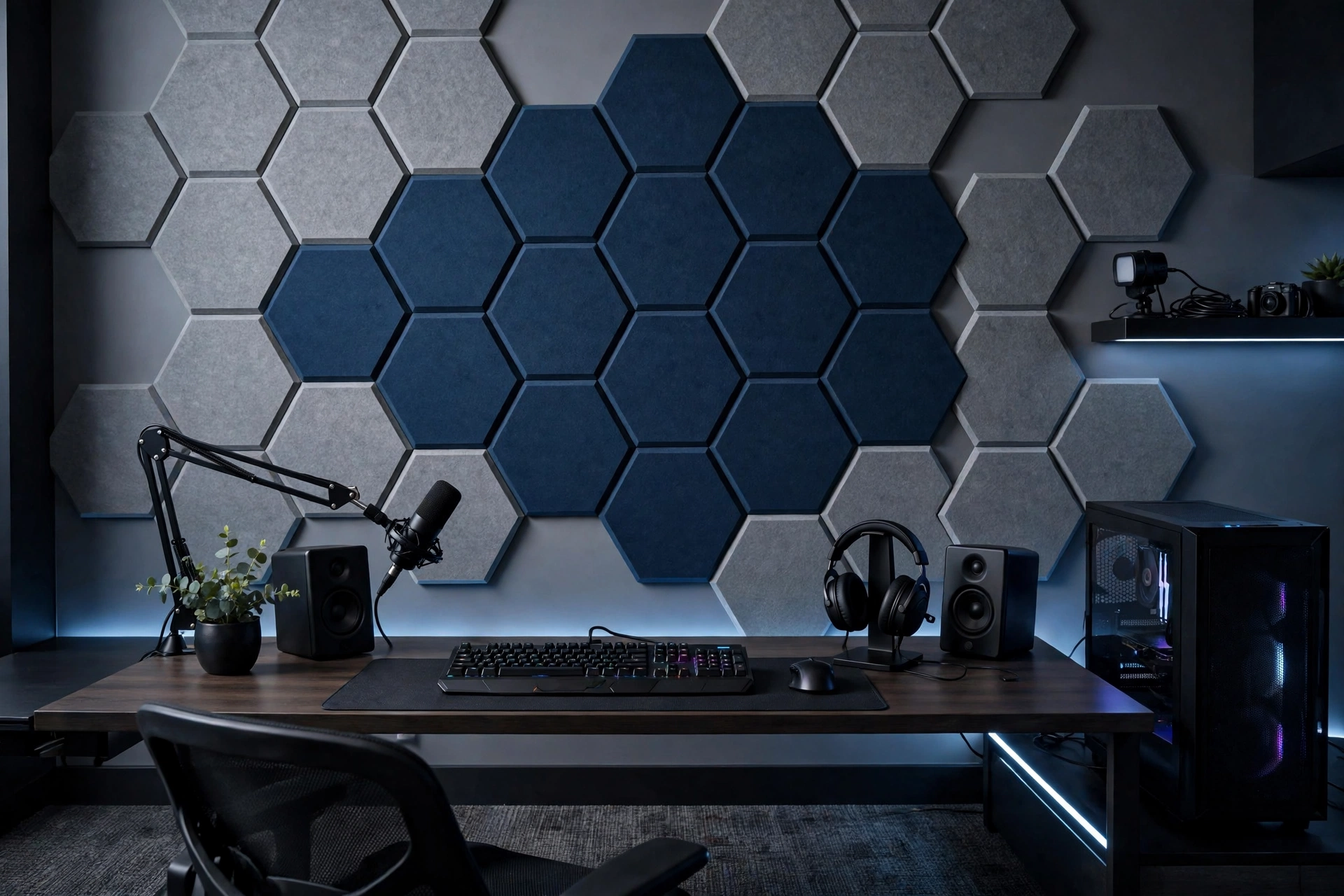
Bare walls bounce sound, making game audio muddy and voice chat echoey. Acoustic foam or fabric-wrapped panels fix that while looking like deliberate decor — arrange hexagonal or square panels in a geometric pattern behind your desk in colors that match your lighting theme. Felt and PET panels come in dozens of hues and even double as pinboards for posters and patches. Place panels at the first reflection points: directly behind the monitors and on the side walls nearest your chair. The room will sound noticeably tighter, your mic will pick up less reverb, and the wall becomes a textured backdrop instead of a blank void.
4. A Statement Gaming Chair That Anchors the Room
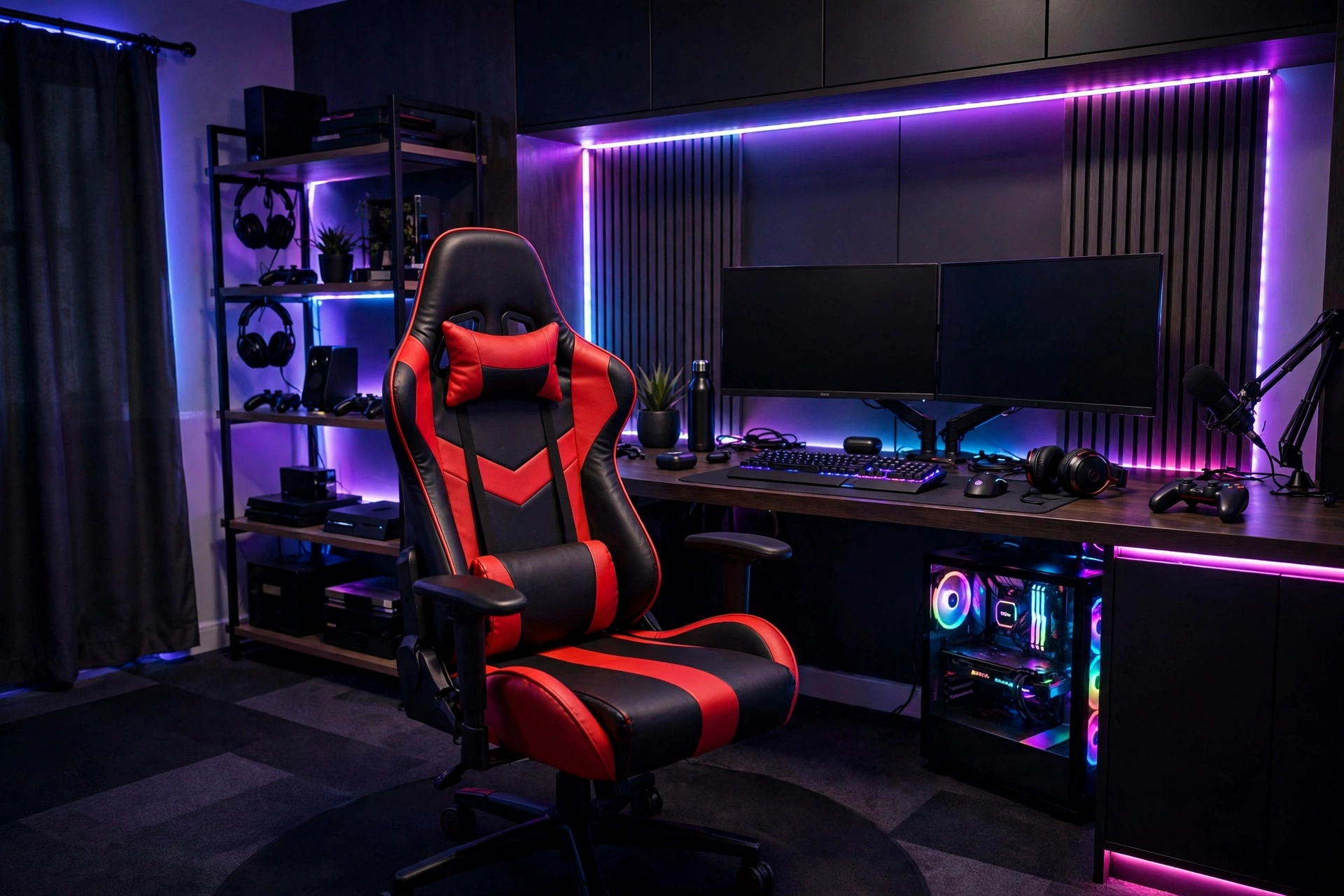
Your chair is the throne of the setup, so choose one with presence. A racing-style chair in your accent color, or a premium ergonomic chair in matte black, anchors the zone visually and supports marathon sessions. Look for adjustable lumbar support, 4D armrests, and a recline that locks — comfort features matter more than flashy stitching. Sleek office chair from the same design language as our masculine small home office ideas keeps the setup looking grown-up. Add a small rug or floor mat under the chair to protect flooring and define the zone, and pick a chair color that echoes your LED palette.
5. Cable Management That Disappears
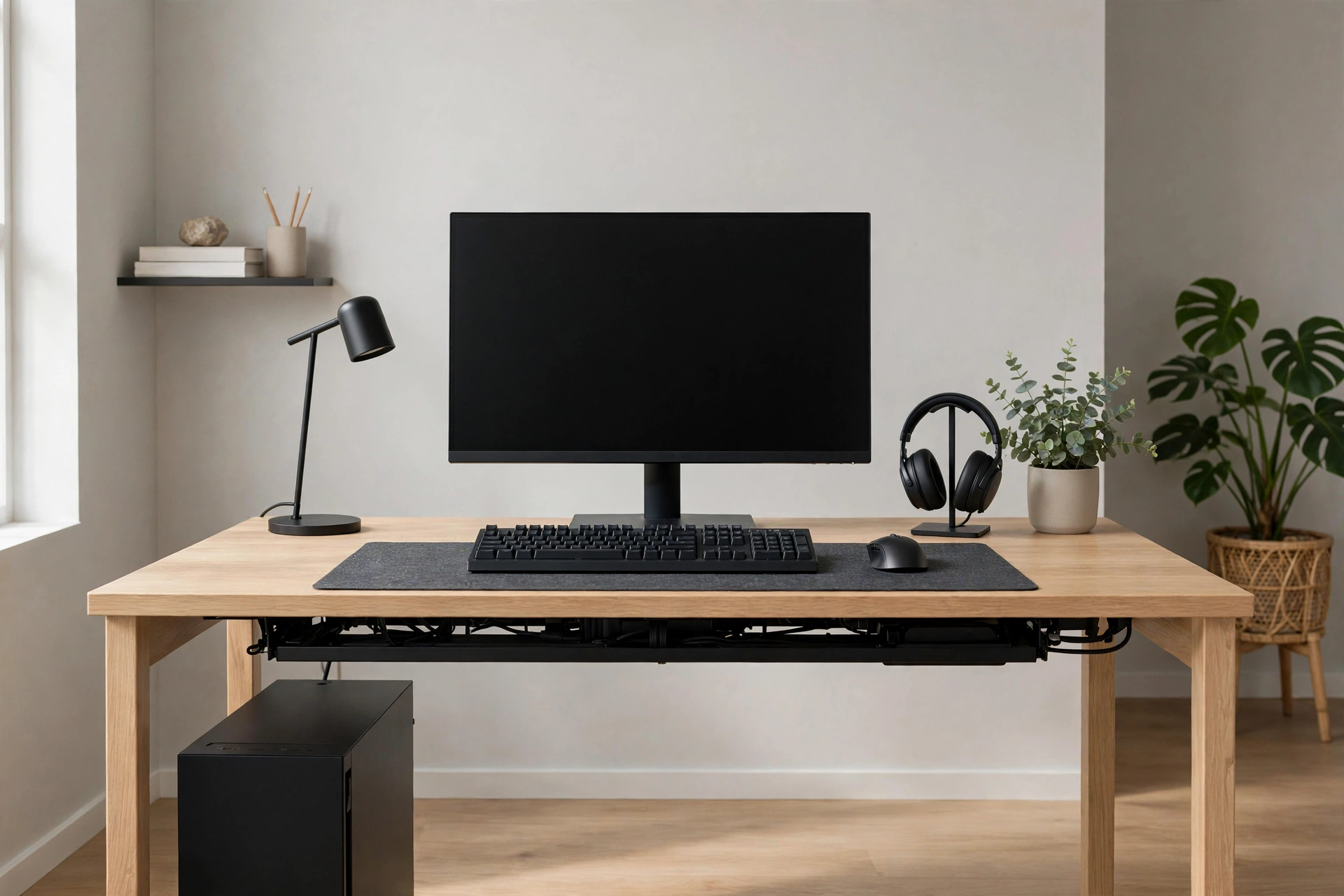
Nothing ruins an immersive setup faster than a nest of cables. Start with a cable tray or raceway mounted under the desk to hold power strips and bricks, then bundle runs with reusable Velcro ties instead of zip ties. Route monitor, keyboard, and headset cables through the desk’s grommet or a stick-on channel, and use a single braided sleeve for anything that must travel to the floor. Label both ends of every cable before you tidy — future you will be grateful. Wireless peripherals cut the clutter further, but even wired gear looks clean with thirty minutes of routing. The payoff is a desk that photographs beautifully and dusts in seconds.
6. LED Strip Zones Behind Desk and Shelves
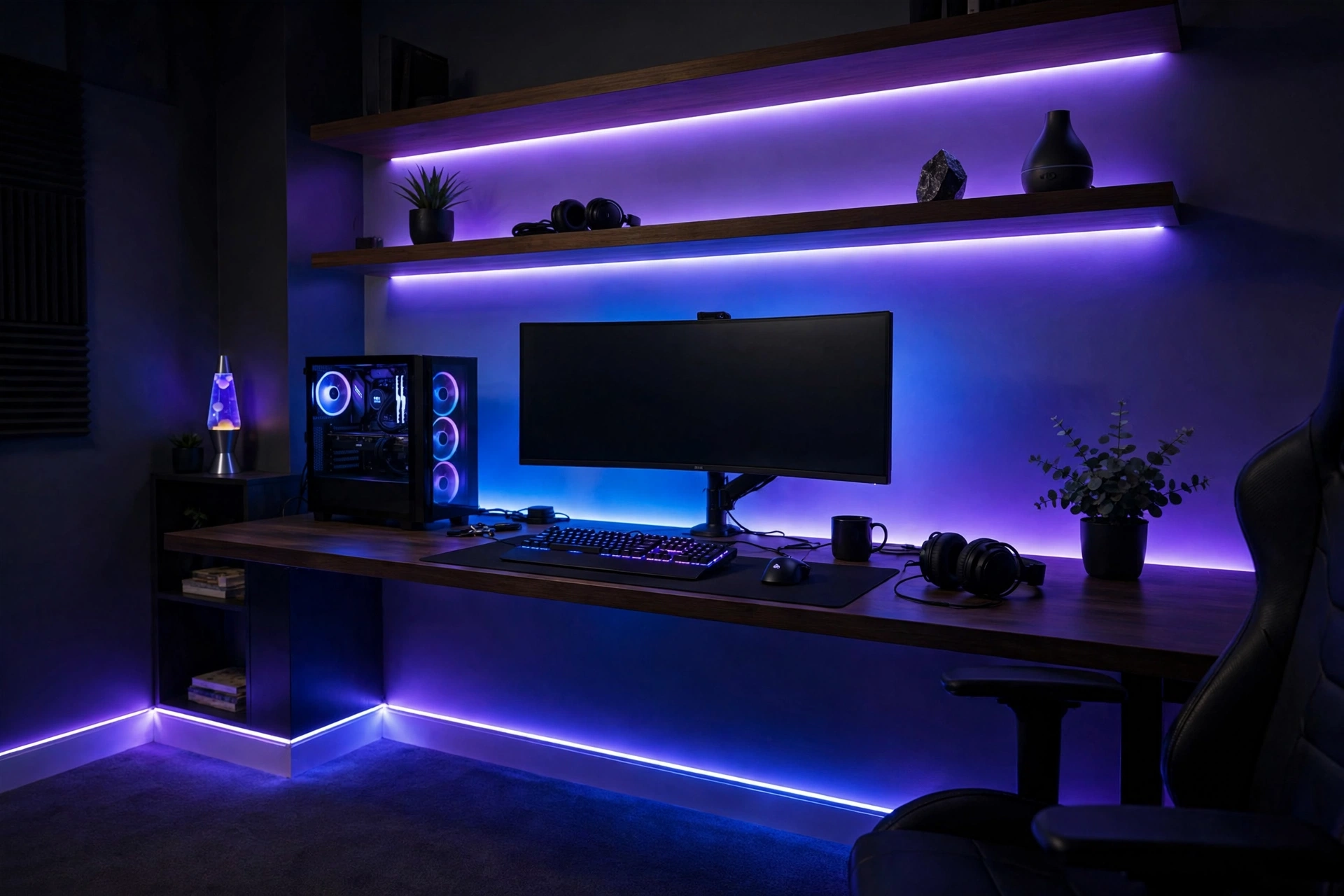
Layering LED strips in multiple zones creates depth that a single strip cannot. Run one strip behind the desk, another under floating shelves, and a third behind a TV or along baseboards to build a gradient of light around the room. Assign each zone its own color or brightness in the app so you can fine-tune the mood — brighter behind the monitors for bias light, dimmer along the floor for ambient glow. Diffuser channels turn harsh dots into smooth lines of light, a cheap upgrade that makes budget strips look premium. Keep power supplies hidden in the cable tray and plan routes before sticking anything down, since repositioning adhesive strips weakens them.
7. Themed Wall Art and Posters
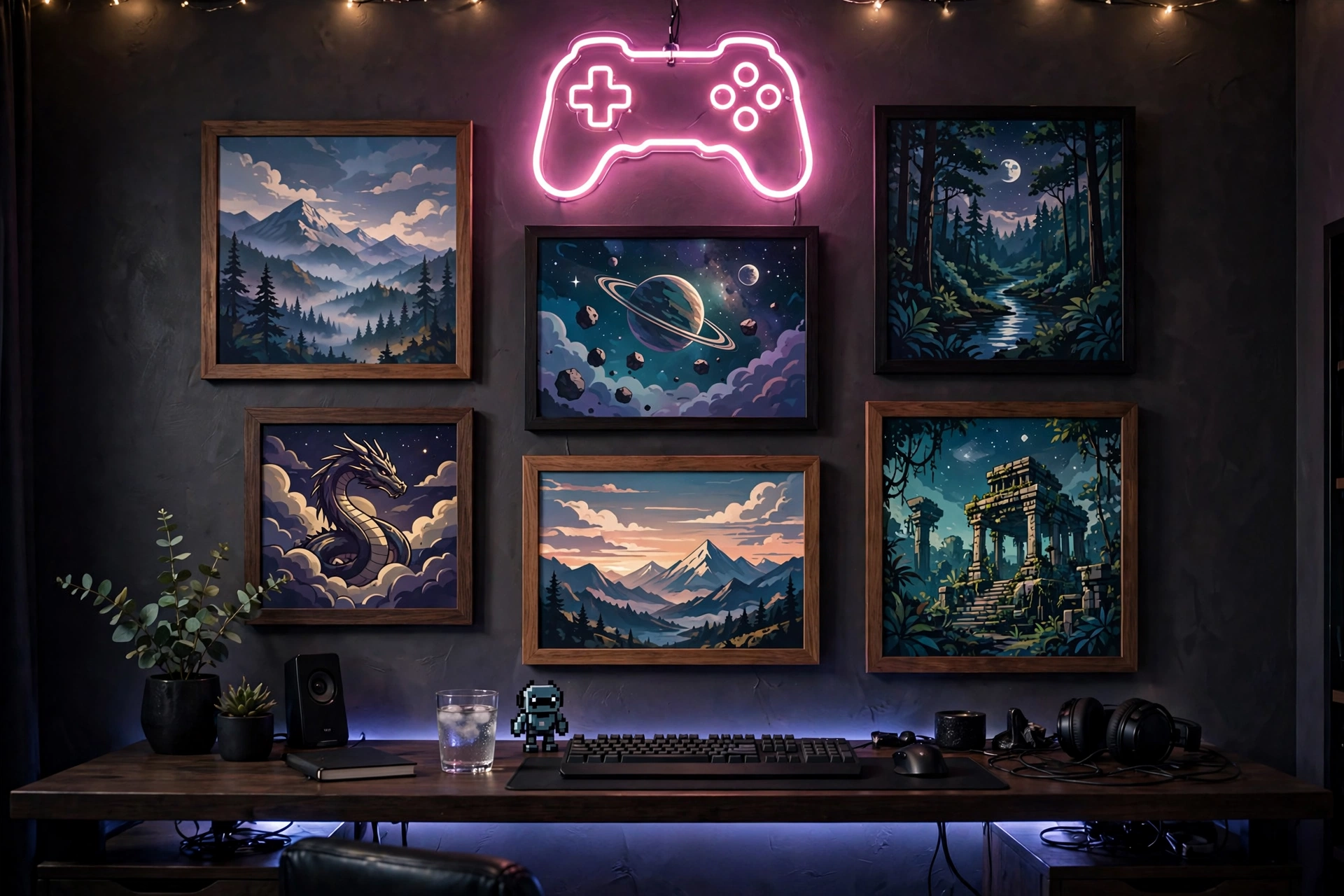
Wall art is where your gaming identity shows. Frame posters from favorite franchises in matching frames for a gallery feel, or go big with one oversized canvas that anchors the wall behind your setup. LED-backlit frames and lenticular prints add motion and glow that fits the gaming aesthetic. Designers love playful, game-inspired decor throughout the home — Playful game-themed decor ideas for inspiration on weaving your hobby into the room’s style. Mix in personal pieces like achievement plaques, event badges, or custom neon signs with your gamer tag. Keep the arrangement balanced around the monitors so the wall feels curated, not crowded.
8. A Floating Shelf Display for Collectibles
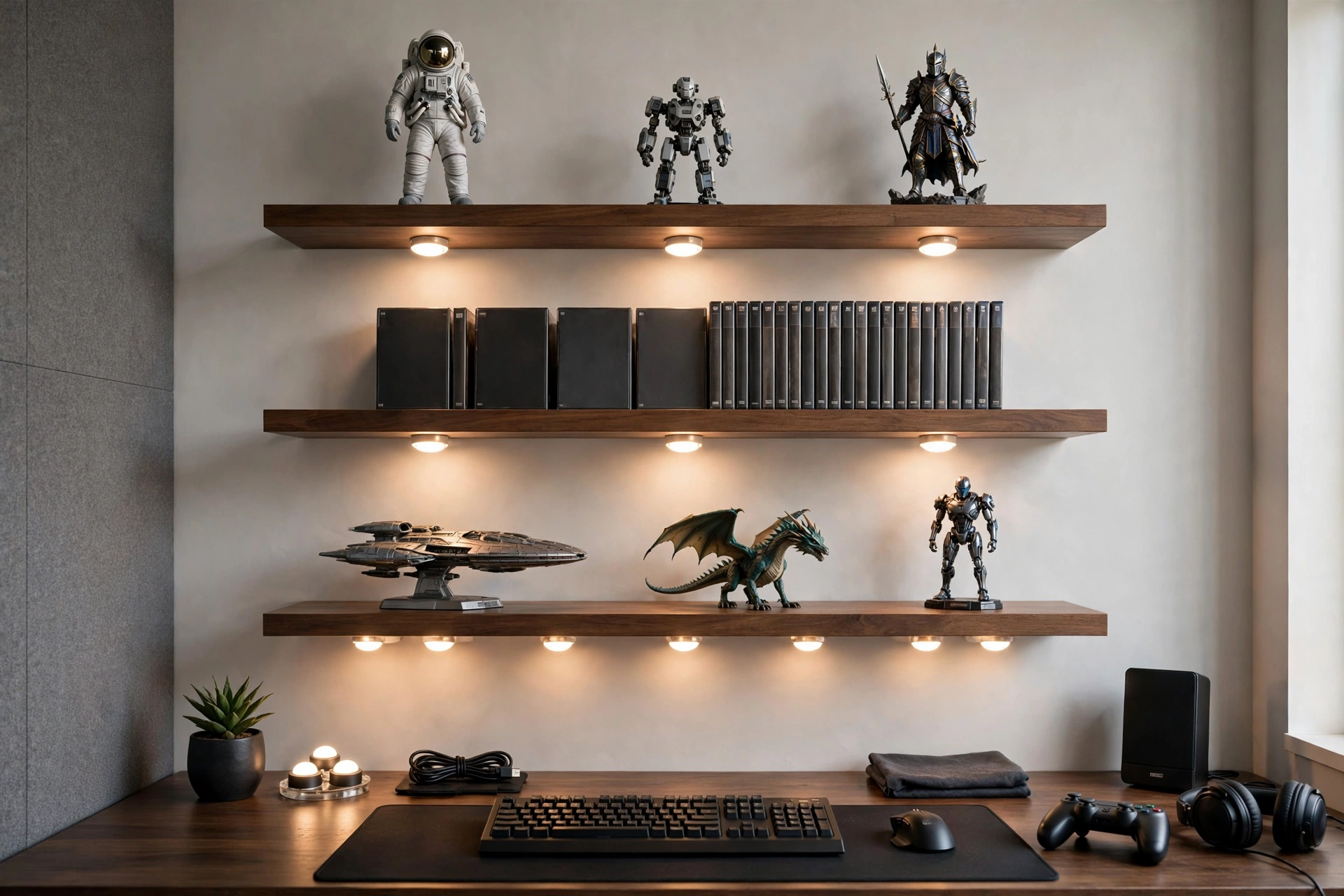
Floating shelves turn figurines, limited-edition controllers, and game cases into a museum-style display above or beside your desk. Two or three slim shelves in matte black or walnut keep the look clean while giving collectibles room to breathe. Add puck lights or a slim LED strip under each shelf so the display glows after dark. Arrange items in odd-numbered groups with breathing space between them, mixing heights for visual rhythm. Keep everyday items off these shelves — they are for display only — and dust monthly since backlit shelves show every speck. The result is a personal gallery that makes the whole setup feel unmistakably yours.
9. Dark Moody Paint for Maximum Immersion
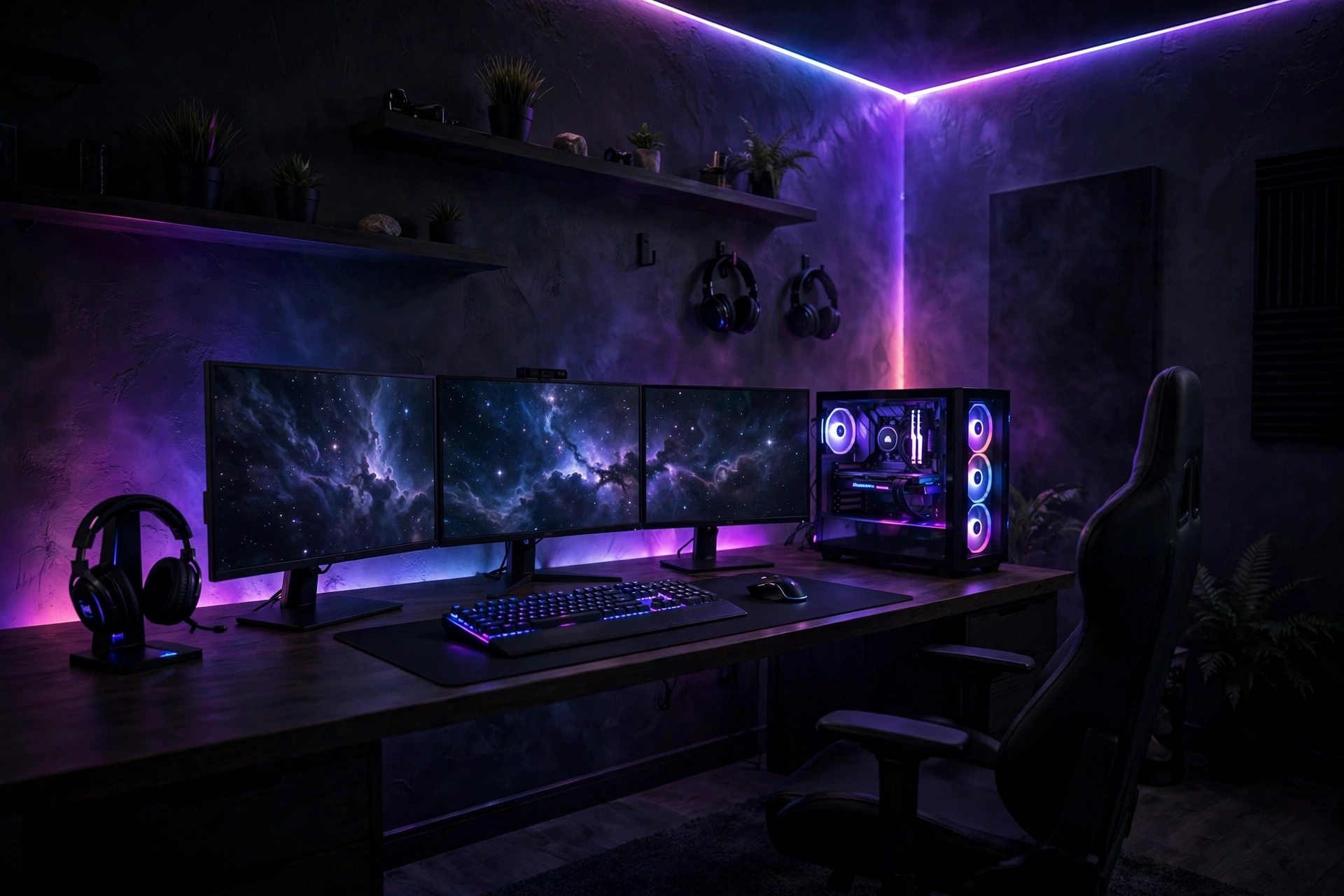
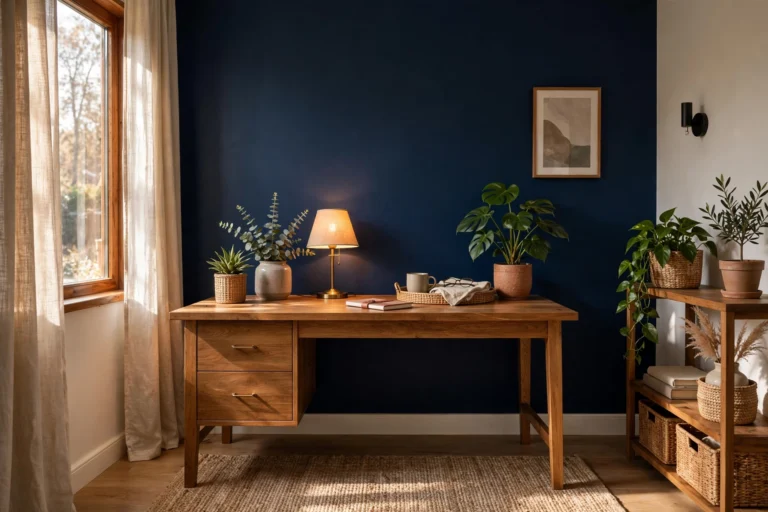
Dark walls are a cheat code for immersion: they make screens pop, hide cable shadows, and give the room a cinematic cocoon feel. Deep charcoal, midnight navy, or forest green all work beautifully with RGB glow bouncing off them. You do not need to paint the whole room — a single accent wall behind the desk delivers most of the effect with minimal commitment. Use a matte or eggshell finish to kill reflections, and keep the ceiling white or light to avoid a cave feeling. If you rent, peel-and-stick wallpaper in a dark textured pattern achieves the same drama without losing your deposit. Pair dark walls with warm wood or brass accents to keep the space inviting.
10. Bias Lighting Behind the Monitor
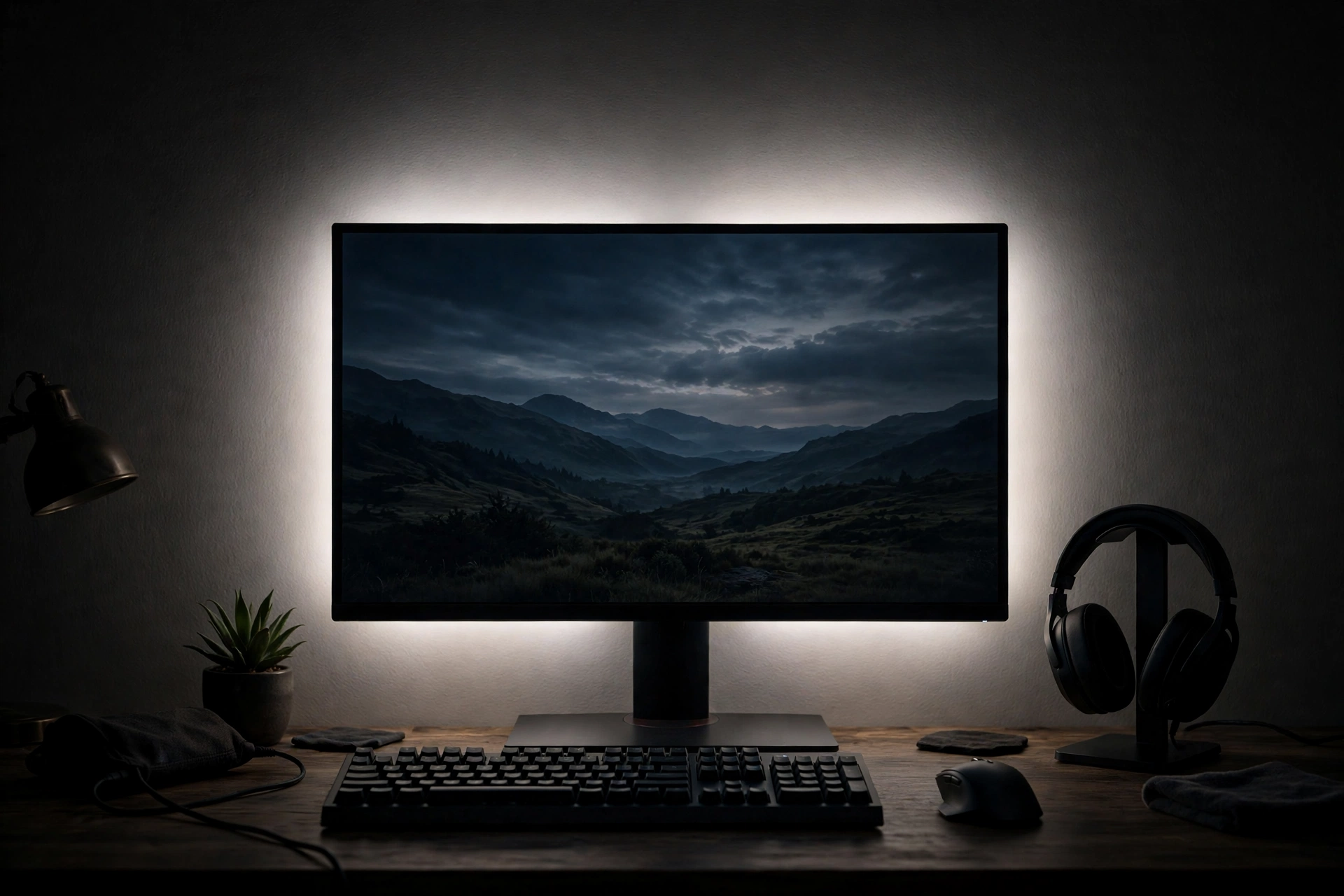
Bias lighting — a soft glow behind your screen — reduces eye fatigue during long sessions and makes blacks look deeper. A simple LED strip on the monitor’s back edge, set to a neutral 6500K white or a subtle color, is all it takes. This trick comes from home theater design, shown in these ideas for decorating around a TV. Keep the glow subtle rather than rave-bright; the goal is a halo, not a spotlight. USB-powered strips that turn on with the monitor make the whole thing automatic, and the reduced contrast strain is genuinely noticeable after a few hours.
11. A Rug That Defines the Zone
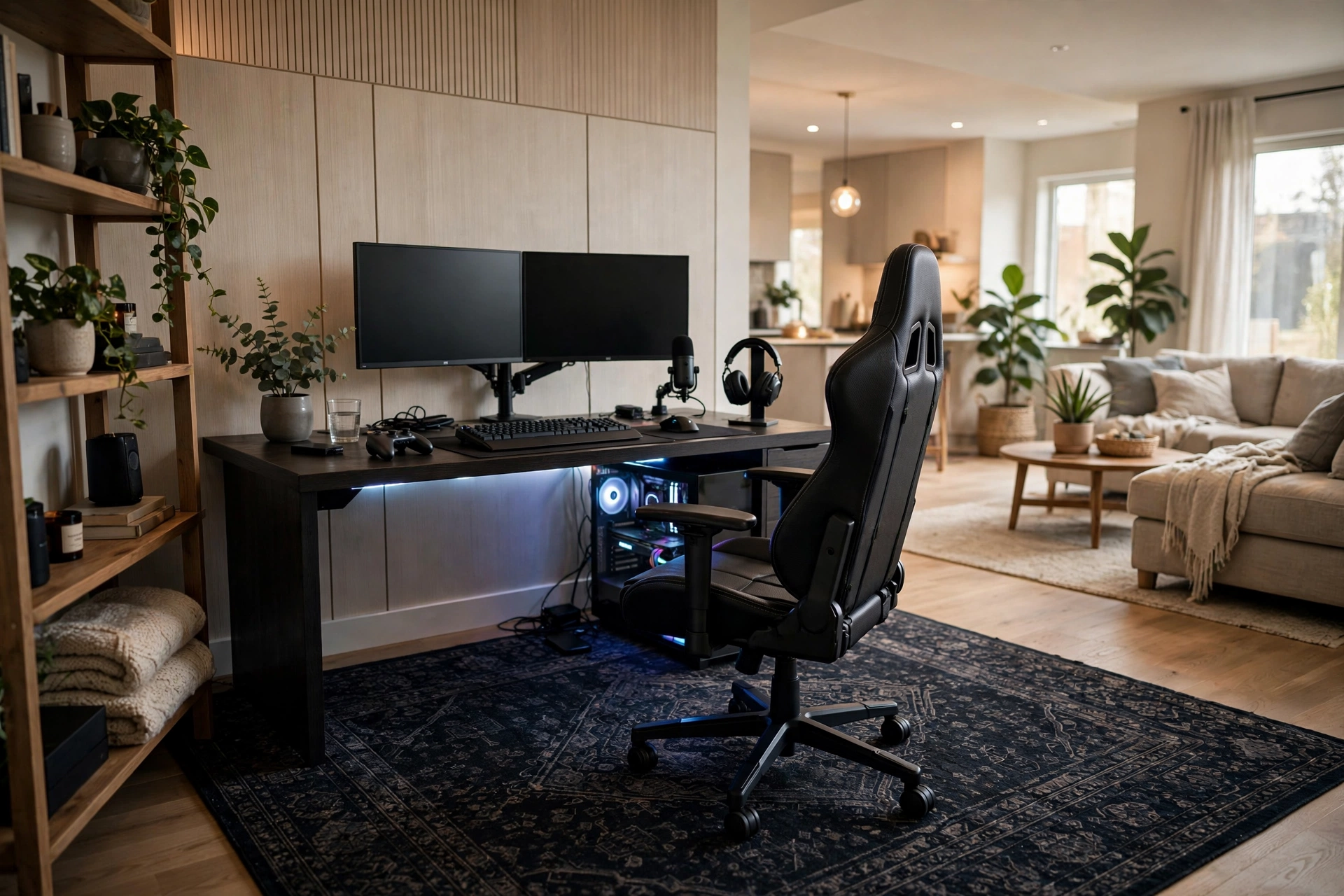
In an open room, a rug draws the boundary of your play zone and ties the setup together. Choose a low-pile rug that lets your chair roll smoothly — a chair mat on top protects it in the roll zone. Dark patterns hide snack crumbs and cable dust, while a rug in your accent color reinforces the theme. Size it generously: it should extend under the desk and at least a foot beyond the chair’s full recline. Layering a smaller, bolder rug over a large neutral one adds personality without committing the whole floor. The rug also dampens sound and warms up hard floors, making the zone feel finished from the ground up.
12. Smart Lighting Scenes for Game Modes
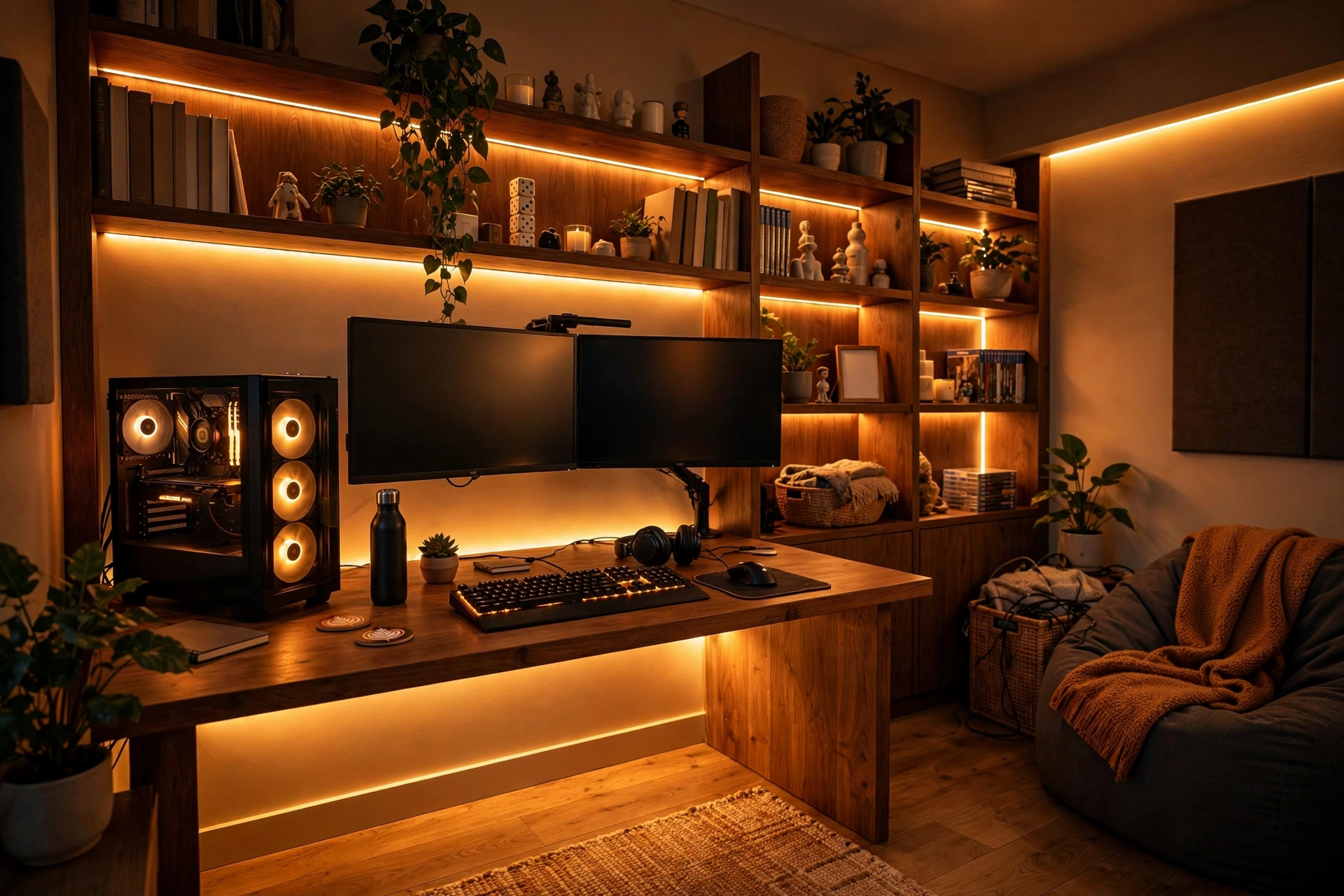
Take your lighting beyond static color with scenes tied to what you are playing. Most smart LED systems let you save presets — a cool blue-white “competitive” scene for ranked matches, a warm dim “story mode” for RPGs, a pulsing party mode for co-op nights with friends. Trigger them with voice commands or a stream-deck button so switching is instant. Set a schedule that dims everything at midnight as a gentle wind-down cue. The key is restraint: two or three well-designed scenes you actually use beat twenty presets you forget.
13. Ventilation and a Cool-Running Corner
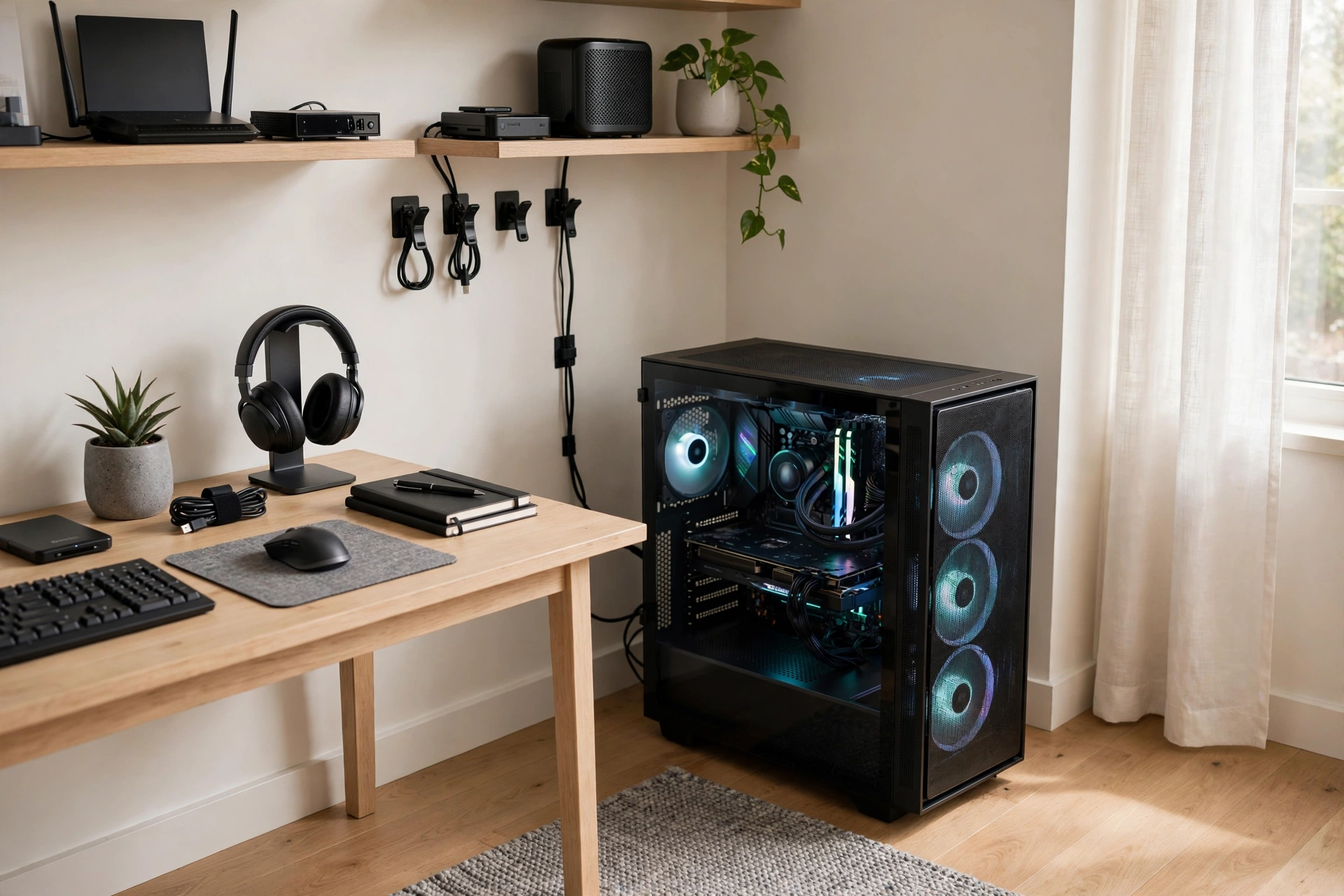
Gaming PCs and consoles pump out heat, so plan airflow like part of the decor. Leave several inches of clearance around towers and consoles, and avoid tucking them into enclosed cabinets without ventilation cutouts. A small, quiet USB fan aimed at the hottest gear helps, and positioning the setup near a window or vent keeps ambient temperatures down. Cable clutter blocks airflow too, so your tidy routing doubles as cooling. If the room runs warm, a slim tower fan in a matching finish blends in better than a bulky box fan. Cool gear runs quieter, lasts longer, and keeps you comfortable through summer sessions.
14. A Snack and Drink Station Within Reach
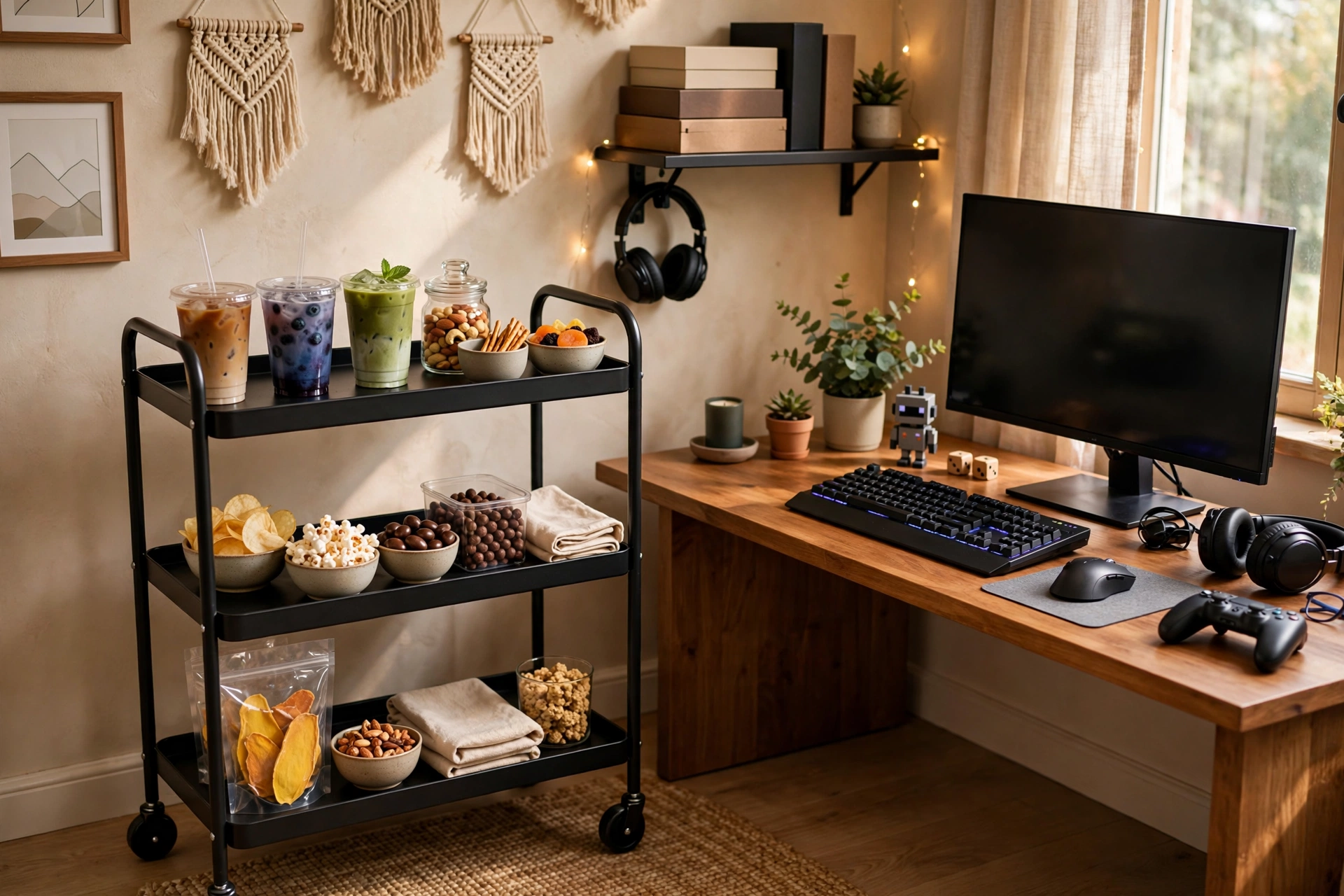
Long sessions demand fuel, so carve out a dedicated spot for drinks and snacks that keeps them off the desk. A small rolling cart, a wall-mounted shelf beside the desk, or even a mini fridge in the corner works — the goal is spill distance from expensive peripherals. Use lidded cups and bottles to protect keyboards, and keep a small trash bin within arm’s reach for wrappers. This tiny station prevents the classic knocked-over-soda disaster and keeps your desk clear for what matters: the game.
15. Soundproofing Touches for Late Nights
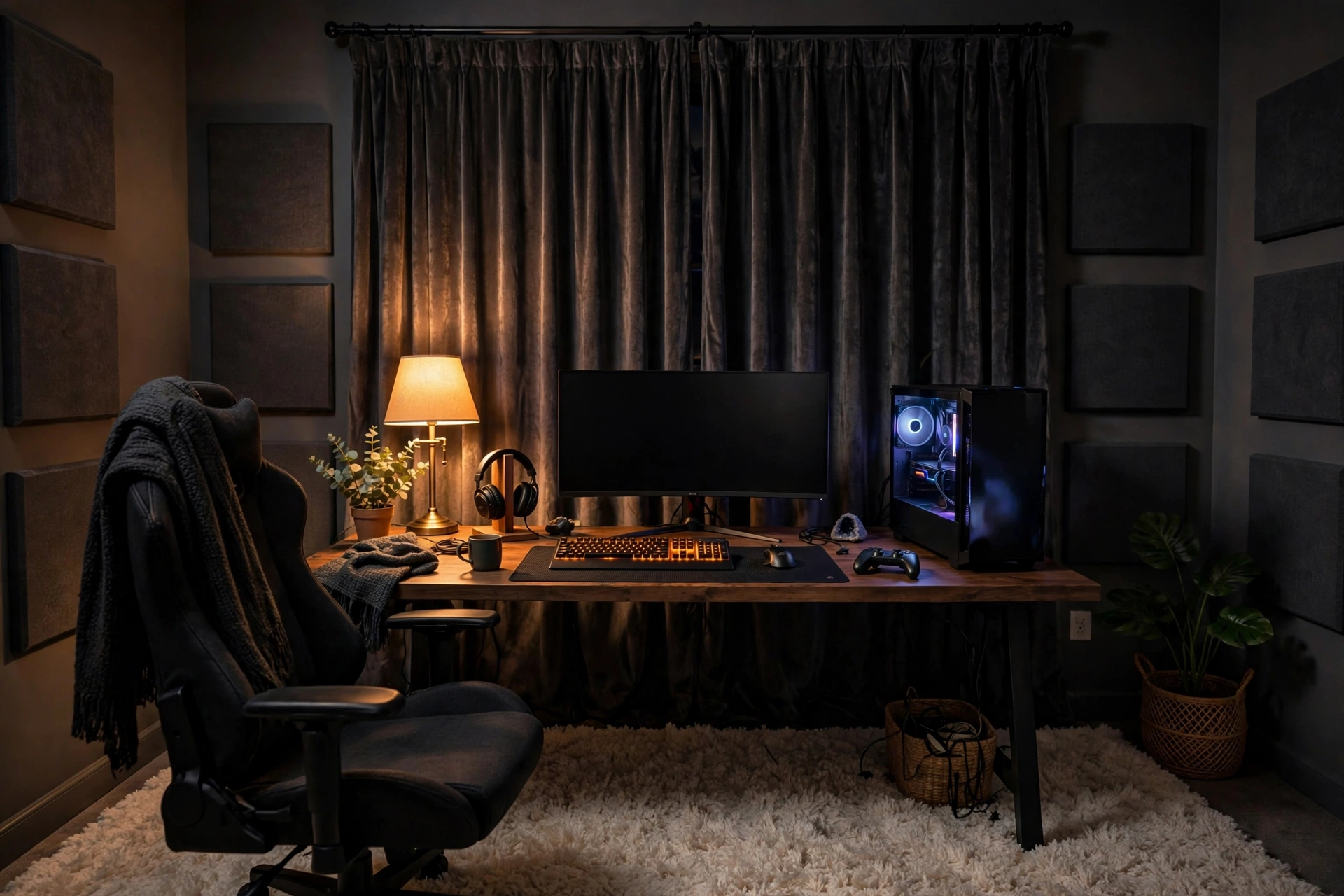
Late-night sessions should not mean noise complaints. Heavy curtains over windows, a draft stopper under the door, and a thick rug all cut sound transmission noticeably. Swap clicky mechanical switches for quieter linear ones if you share walls, and use a headset instead of speakers after hours. Seal obvious gaps first — sound leaks like water — before investing in panels. These small touches let you enjoy full-volume immersion at 2 a.m. without a second thought.
Frequently Asked Questions
What is the best lighting for a gaming setup?
Layered lighting wins: bias light behind the monitor to cut eye strain, RGB accent strips for atmosphere, and a dimmable overhead or lamp for general use. Keep the main room light low during play so the screen stays the brightest object in view. Avoid placing bright lights directly behind you, which create glare and wash out the screen. Smart bulbs and strips let you save scenes for different games and times of day, making one setup feel like several different rooms.
How do I make my gaming setup look good in a living room?
Treat it as furniture, not equipment: choose a desk in wood or matte finishes that match the room, hide cables completely, and use decor-forward lighting instead of rainbow-everything. A room divider, rug, or bookshelf can carve out a zone without walls. Pair well with broader living room design ideas with a TV for blending tech into shared spaces. When not gaming, switch LEDs to a warm neutral scene so the corner reads as a stylish desk rather than a battlestation.
How can I reduce cable clutter in my gaming setup?
Mount a cable tray under the desk for power strips, bundle runs with Velcro ties, and route everything through desk grommets or adhesive channels. Go wireless for keyboard, mouse, and headset where possible. Label cables before tidying, keep one braided sleeve for floor runs, and mount chargers and hubs under the desk surface. A thirty-minute routing session transforms even the most tangled setup — and makes dusting dramatically easier.
What colors are best for a gaming room?
Dark, saturated colors — charcoal, navy, deep green, or burgundy — maximize screen immersion and make RGB glow pop. If dark walls feel too heavy, use a dark accent wall behind the desk with lighter surrounding walls. Accent colors in your LED palette (cyan, magenta, amber) can echo in small decor pieces like the chair, rug, or shelving. Avoid stark white walls if you game in the dark, since they bounce light and break immersion; warm neutrals are a safer bright-room choice.
How do I keep my gaming setup cool and quiet?
Give towers and consoles several inches of clearance on all sides and never seal them in unventilated cabinets. Tidy cables to preserve airflow, position the setup near ventilation, and use quiet components — large slow-spinning fans beat small fast ones for noise. A slim tower fan in a matching finish helps in warm rooms. Clean dust filters monthly, since dust is the silent killer of both cooling and quiet. Cool gear throttles less, which means better performance and longer hardware life.
Keep Exploring
Building an immersive play zone is a project that rewards iteration — start with lighting and cable management, the two upgrades with the biggest visual payoff, then layer in art, acoustics, and comfort over time. Every addition should serve both the experience and the look, because the best gaming setups feel incredible to play in and to simply walk past. Keep your palette tight, your cables hidden, and your chair comfortable, and the room will come together.
When the setup is dialed in, the rest of the room can follow — matching decor, smart storage for your growing collection, and lighting scenes for every mood. Browse more Home Office Ideas for desk layouts, organization, and styling inspiration, and keep leveling up your space one upgrade at a time, from your first match of the day to your last late-night session.