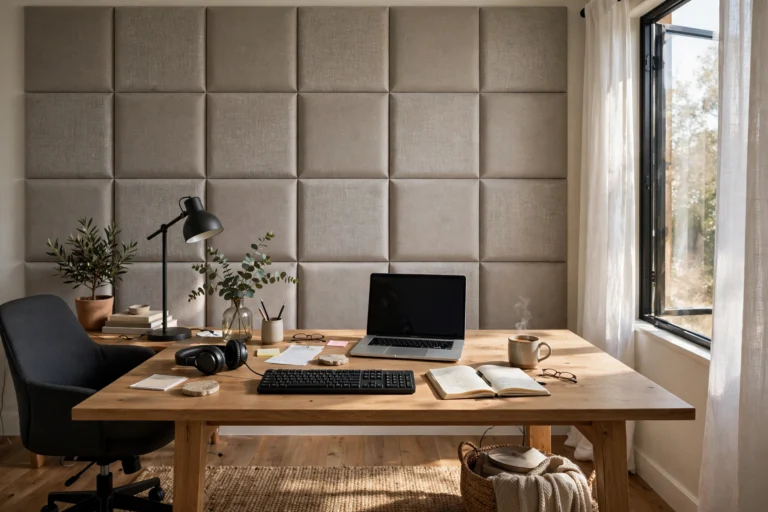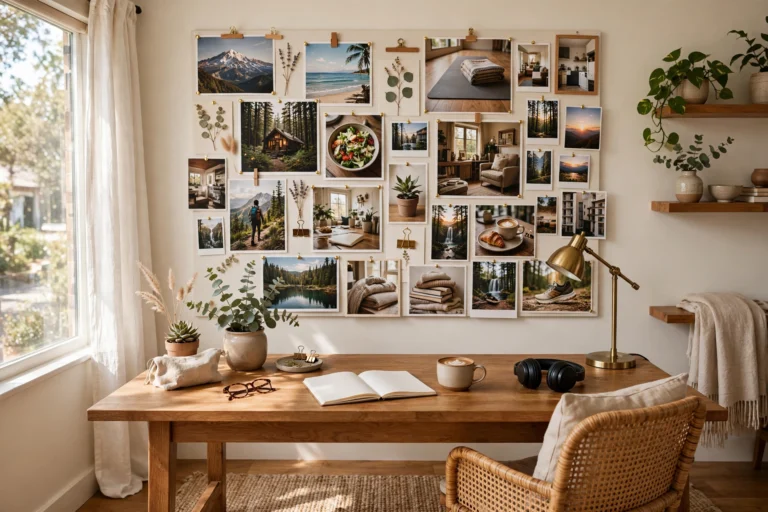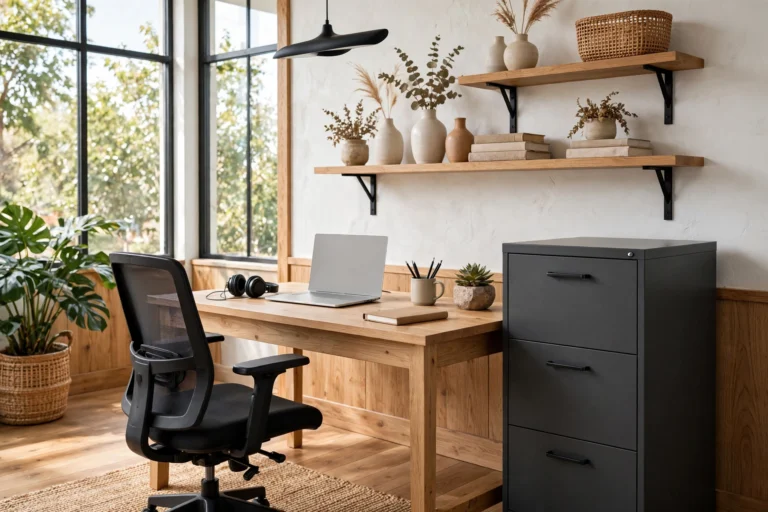

Your webcam frames a surprisingly small slice of your office — usually a 4-to-6-foot-wide view behind your shoulders — but that slice shapes every first impression you make on video calls. A cluttered, dim, or chaotic background distracts; a composed one signals competence before you say a word. These home office zoom background ideas work with what your camera actually sees: styling the framed zone with intention, lighting your face properly, and building depth so the shot looks dimensional rather than flat.
Start by sitting in your chair and taking a screenshot of your own video feed. That single image is your canvas — everything outside it is invisible to callers, so concentrate your effort there. Aim for three layers (a near element like a plant frond at the frame’s edge, styled midground shelving, and the wall itself), keep the palette to two or three colors, and light your face from the front. The fifteen setups below each target that framed rectangle with specific, doable styling moves.
1. The Rule-of-Thirds Floating Shelf
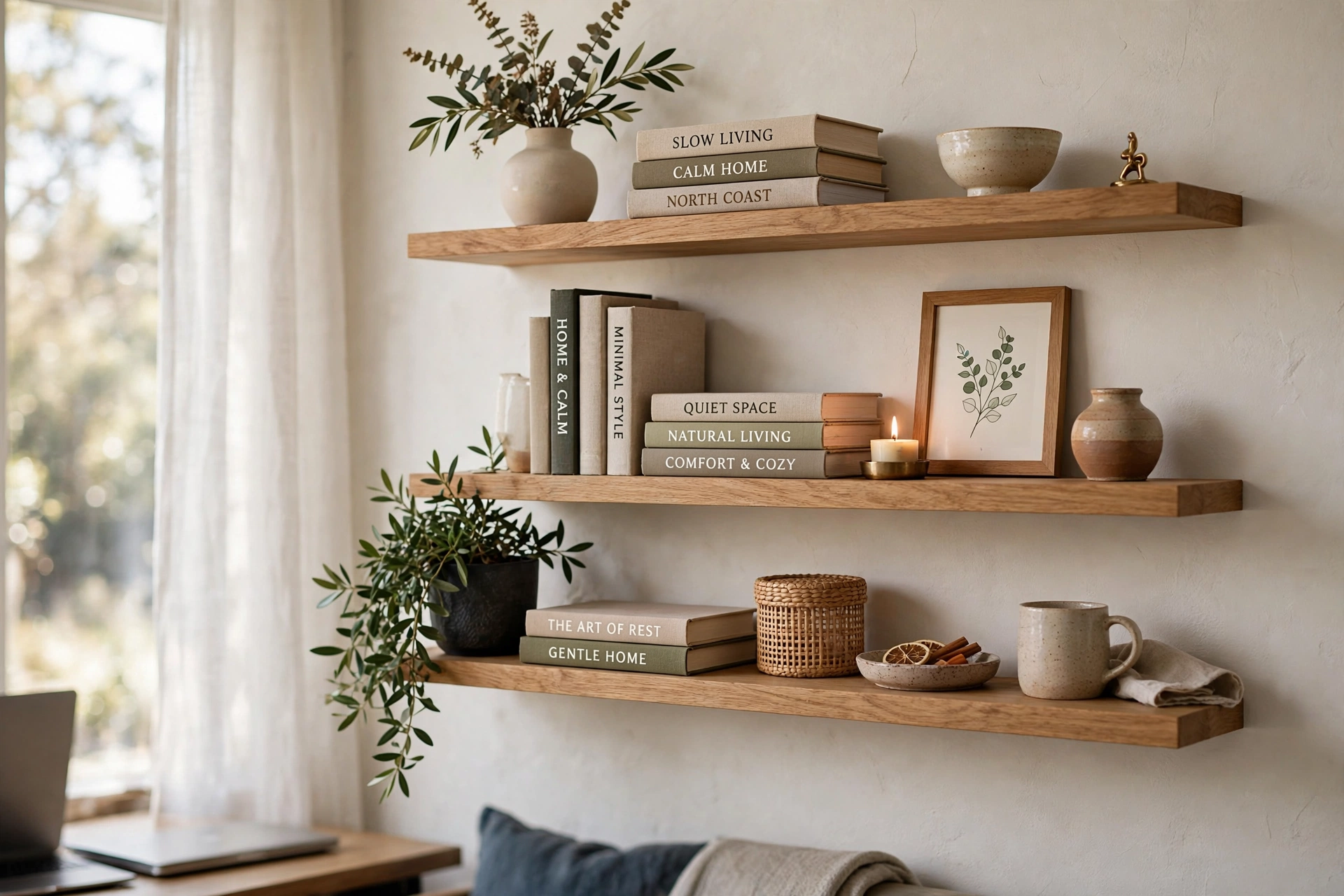
Mount one or two floating shelves in the camera’s frame and style them using the rule of thirds: mentally divide each shelf into three zones and give each zone one job — books in one, a sculptural object in another, a small plant in the third. Hang the lower shelf at 55–60 inches from the floor so it lands just above your head height on camera, with the second shelf 14–16 inches above it for breathing room.
Keep shelf depth to 8–10 inches so objects sit close to the wall and read cleanly on a webcam’s fixed focus. Style in odd numbers — three books stacked horizontally topped with a small vase beats a crowded row every time. Leave 30–40% of each shelf empty; negative space is what makes the arrangement look curated instead of cluttered. If you need deeper guidance on shelf composition, our home office shelving ideas for a tidy inspired workspace breaks down arrangements that photograph well. Paint or stain the shelves to match your trim so they read as built-in.
2. Curated Bookcase Backdrop
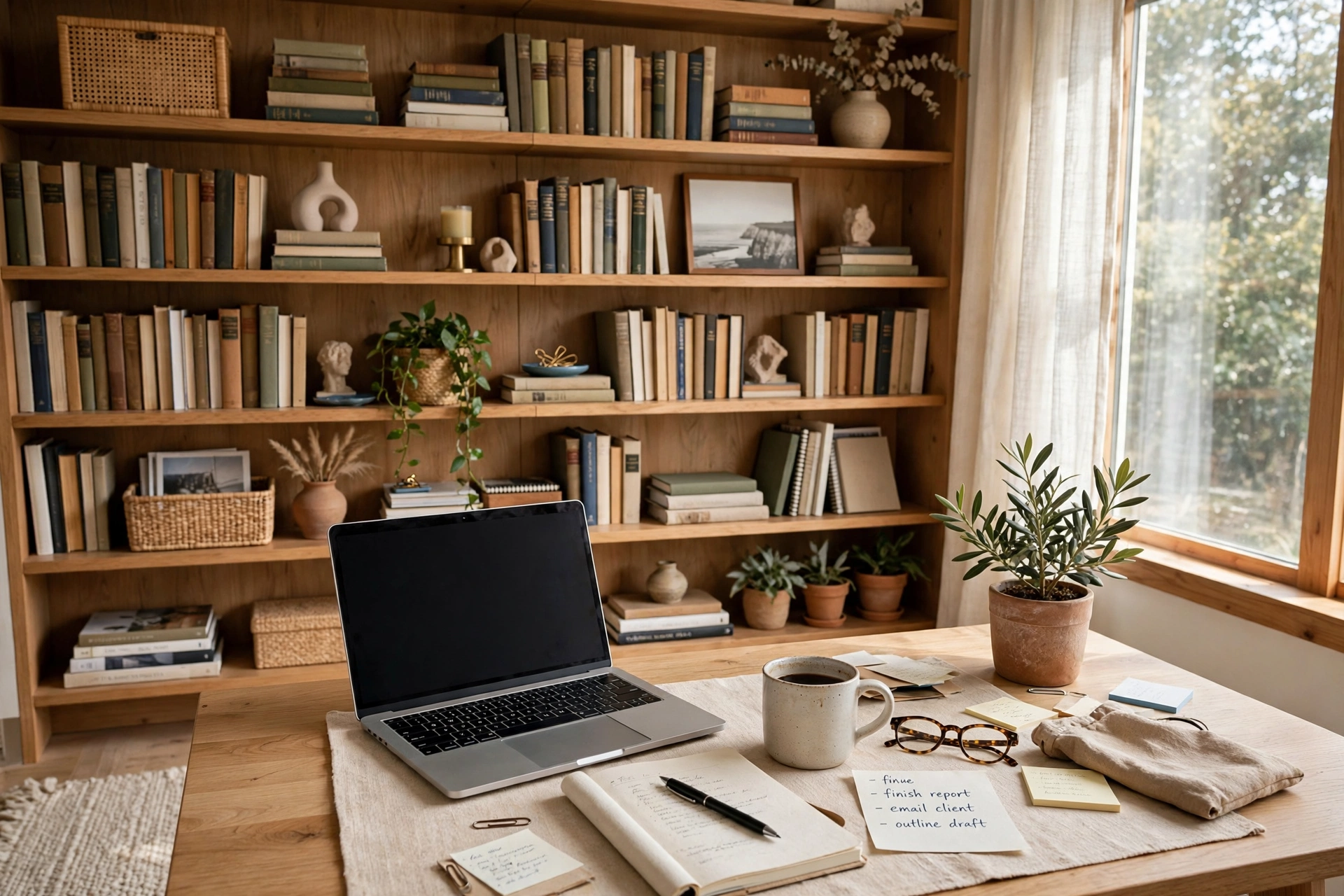
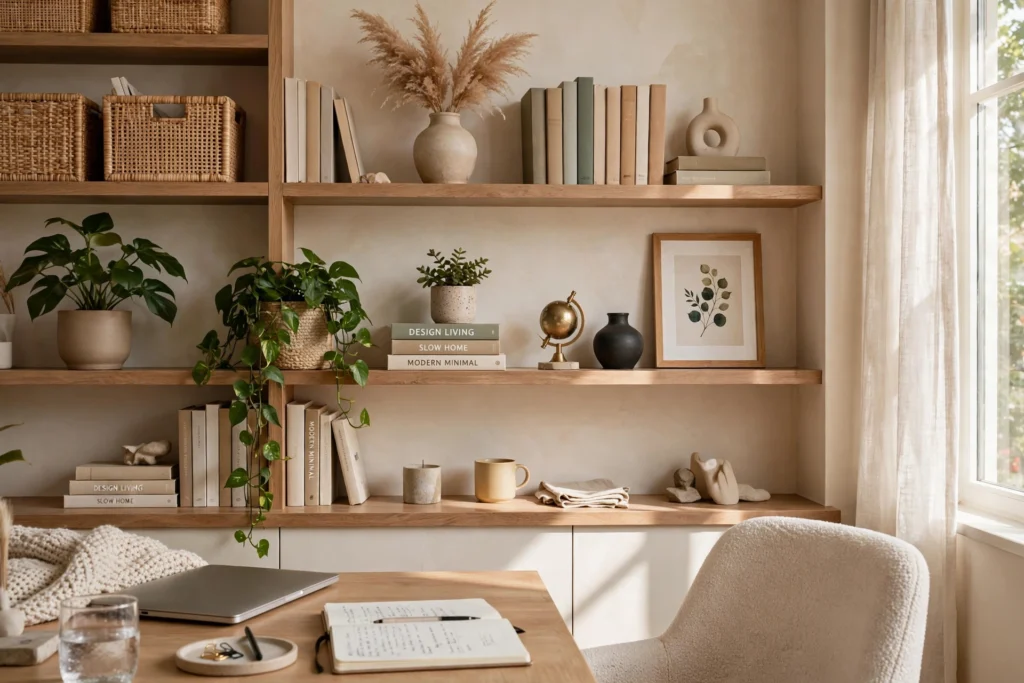
A bookcase directly behind you is the classic authority backdrop — but only when curated. Dedicate the two shelves that sit in frame (roughly 40–70 inches from the floor) to display, and let the rest hold working storage out of shot. Arrange books both vertically and in horizontal stacks, mixing in framed photos, a clock, and one or two sculptural pieces to break the monotony of spines.
Pull the bookcase 2–3 feet behind your chair if space allows; distance creates the soft background blur that makes you pop forward on camera. If the case must sit close, paint its interior a slightly darker tone than the room walls to add depth artificially. Cap the visible objects at seven to nine items total across both shelves — count them in your screenshot test. Remove anything with text facing the camera (spines with titles are fine; loose papers are not) to avoid distracting mirrored text.
3. One Statement Plant
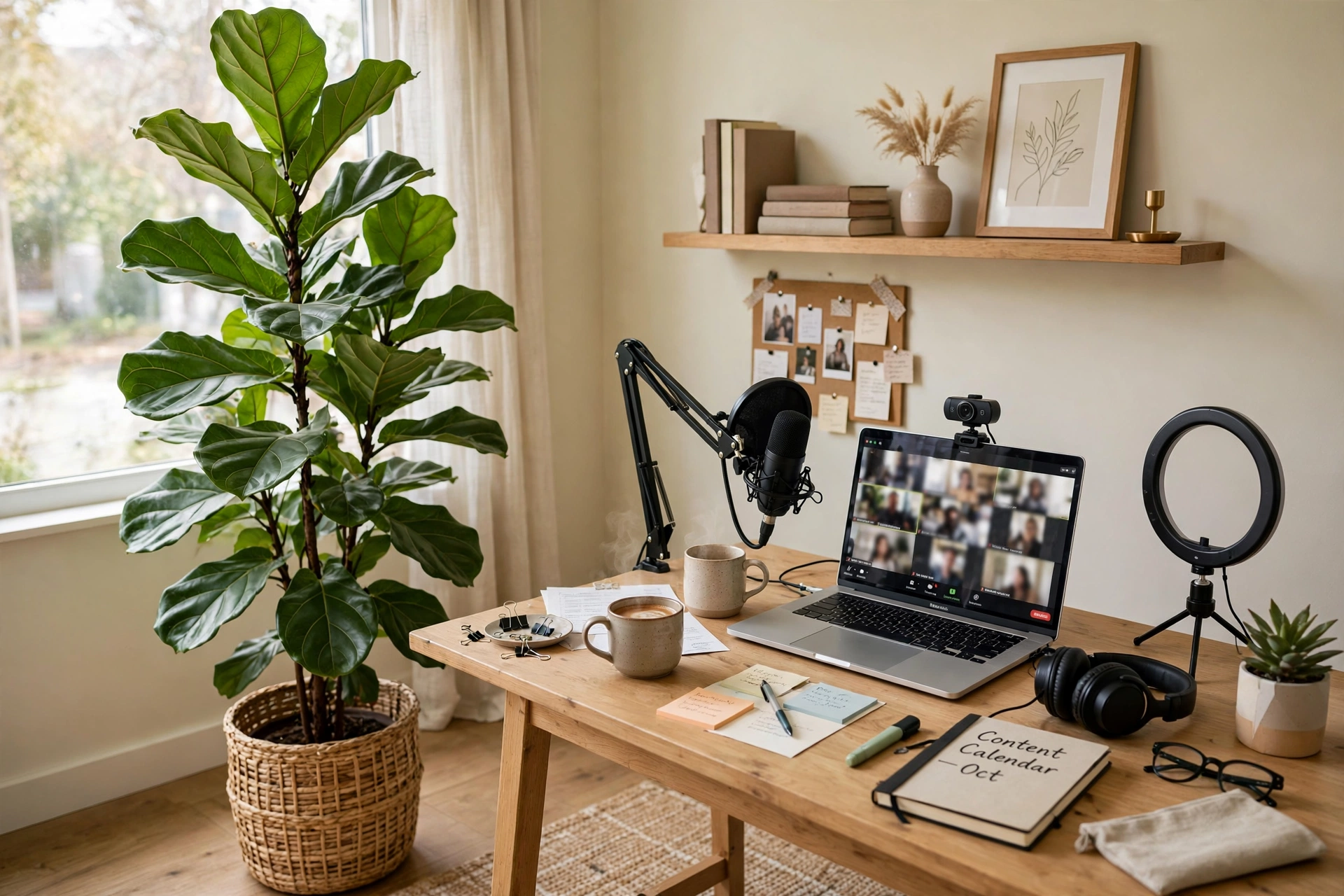
A single large plant — a fiddle-leaf fig, olive tree, or bird of paradise in the 4–6-foot range — placed just off-center behind you adds life, height, and soft organic texture that contrasts beautifully with desk geometry. Position it 3–4 feet behind your chair and slightly to one side so it fills the frame’s edge without swallowing your head.
Choose a planter that matches your palette: matte ceramic in white, charcoal, or terracotta photographs best. Keep the plant healthy and dust-free, because webcams exaggerate every brown leaf — wipe leaves monthly with a damp cloth and rotate the pot weekly for even growth. If natural light is limited, a realistic faux olive tree in a weighted pot is a legitimate alternative; modern faux plants read convincingly at webcam resolution. For more greenery inspiration, browse our home office plant ideas for a fresher workspace to find varieties that thrive in office light.
4. Three-Point Lighting for Your Face
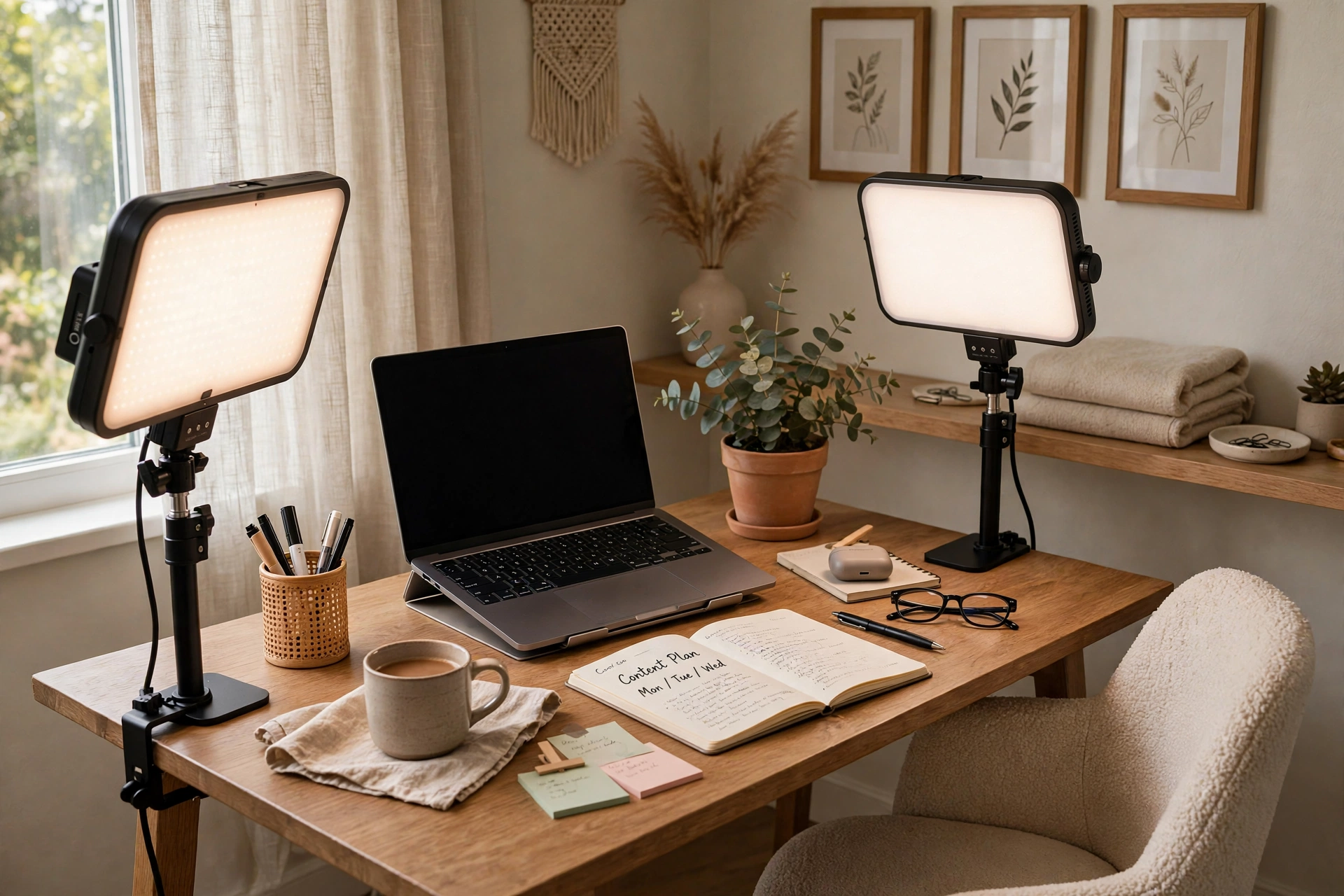
The fastest upgrade to any zoom background is not behind you — it is on you. Three-point lighting, the classic film and photography setup, uses a key light (your main source, 45 degrees to one side), a fill light (softer, opposite side, at half intensity), and a back or rim light behind you to separate you from the background. On a budget, a daylight-balanced LED panel as the key and your monitor glow plus a desk lamp as fill gets you 80% of the way there.
Set color temperature to 4000–5000K (neutral to daylight) so your skin looks natural rather than orange or ghostly. Place the key light at eye level or slightly above, never below — under-lighting creates horror-movie shadows. Keep lights out of the camera’s frame or hide them just at its edges. The three-point lighting technique explains the geometry in detail. Test at your actual meeting times, since daylight through windows changes the balance through the day.
5. Face the Window
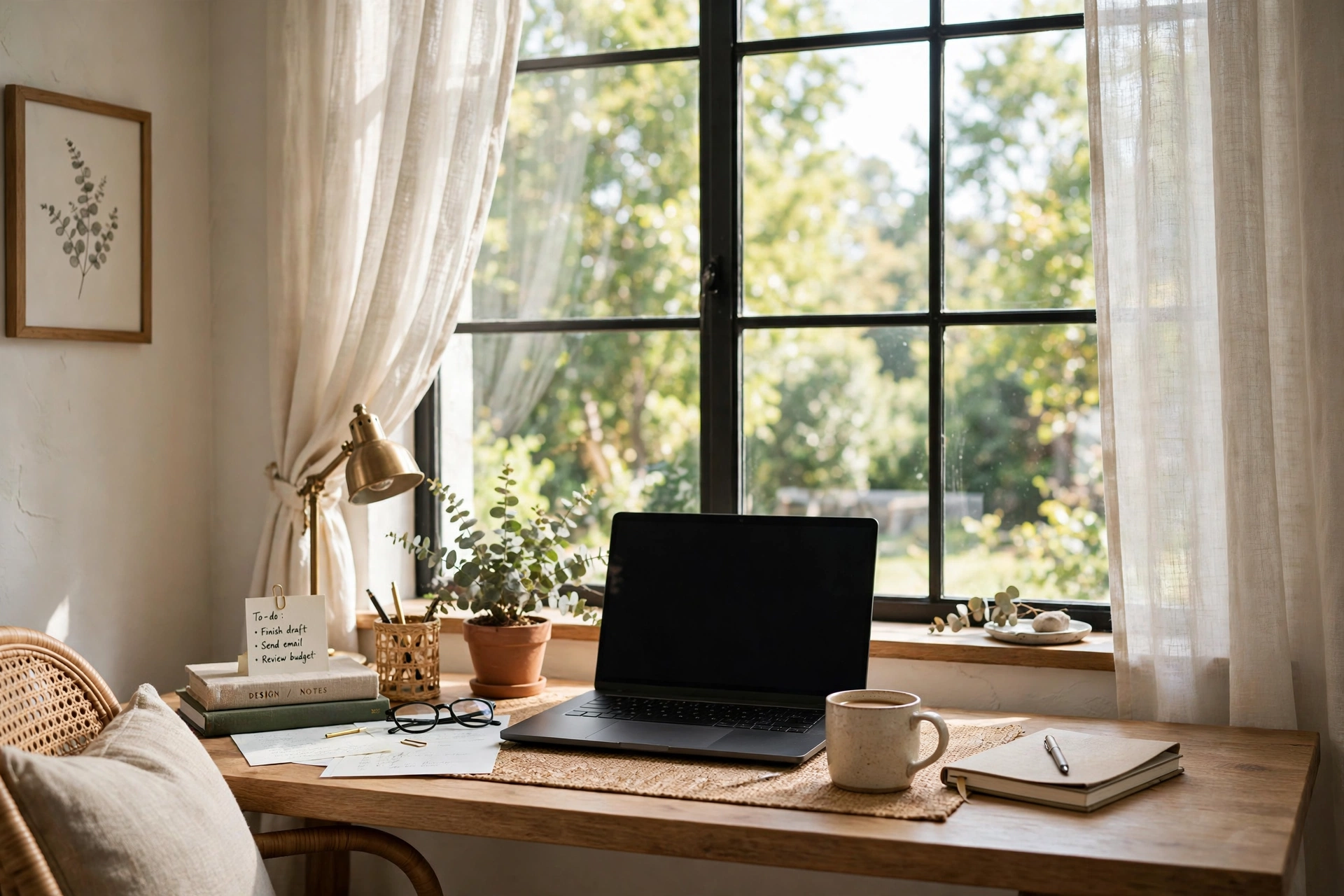
The cheapest studio light ever made is a window — if you face it. Position your desk so the window is in front of you or at a 45-degree angle, and the soft, diffused daylight becomes a giant, flattering key light that no ring light can match. Your background then falls into gentle shadow, which naturally hides minor imperfections.
Never sit with the window directly behind you: your webcam will expose for the bright glass and turn you into a silhouette. If the only window is behind you, close the blinds or hang a light-filtering shade during calls. North-facing windows give the most consistent light through the day; for harsh southern or western sun, a sheer curtain diffuses the glare while keeping the brightness. This single repositioning often improves video quality more than any purchase.
6. Matching-Frame Gallery Wall
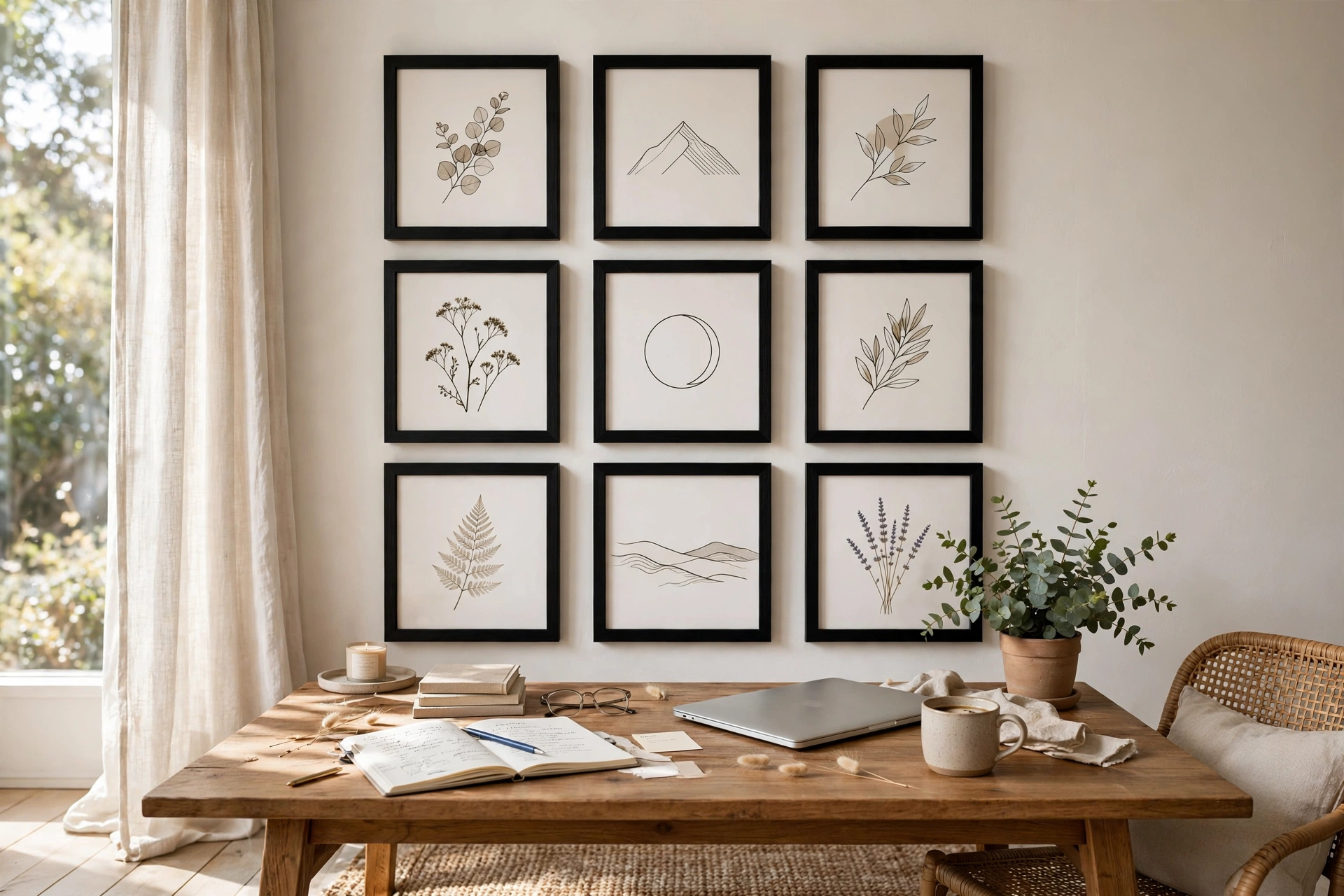
A gallery wall reads as polished on camera when the frames match. Choose one frame style — thin black, natural oak, or white — in two or three sizes, and hang a tight grid of 6–9 frames centered behind your seated position. Consistent frames turn varied art into a cohesive installation; mixed frames turn it into visual noise at webcam resolution.
Keep the composition’s center at 52–56 inches from the floor, directly behind your head. Use a paper template taped to the wall to plan spacing (2–3 inches between frames) before drilling. Choose art with simple, bold shapes — abstract prints, typography, or photography with strong contrast — because fine detail dissolves on video compression. Avoid glass glare by using non-reflective acrylic or positioning frames away from direct lamp beams. A symmetrical grid suits formal roles; a salon-style cluster suits creative ones.
7. Styled Pegboard Command Center
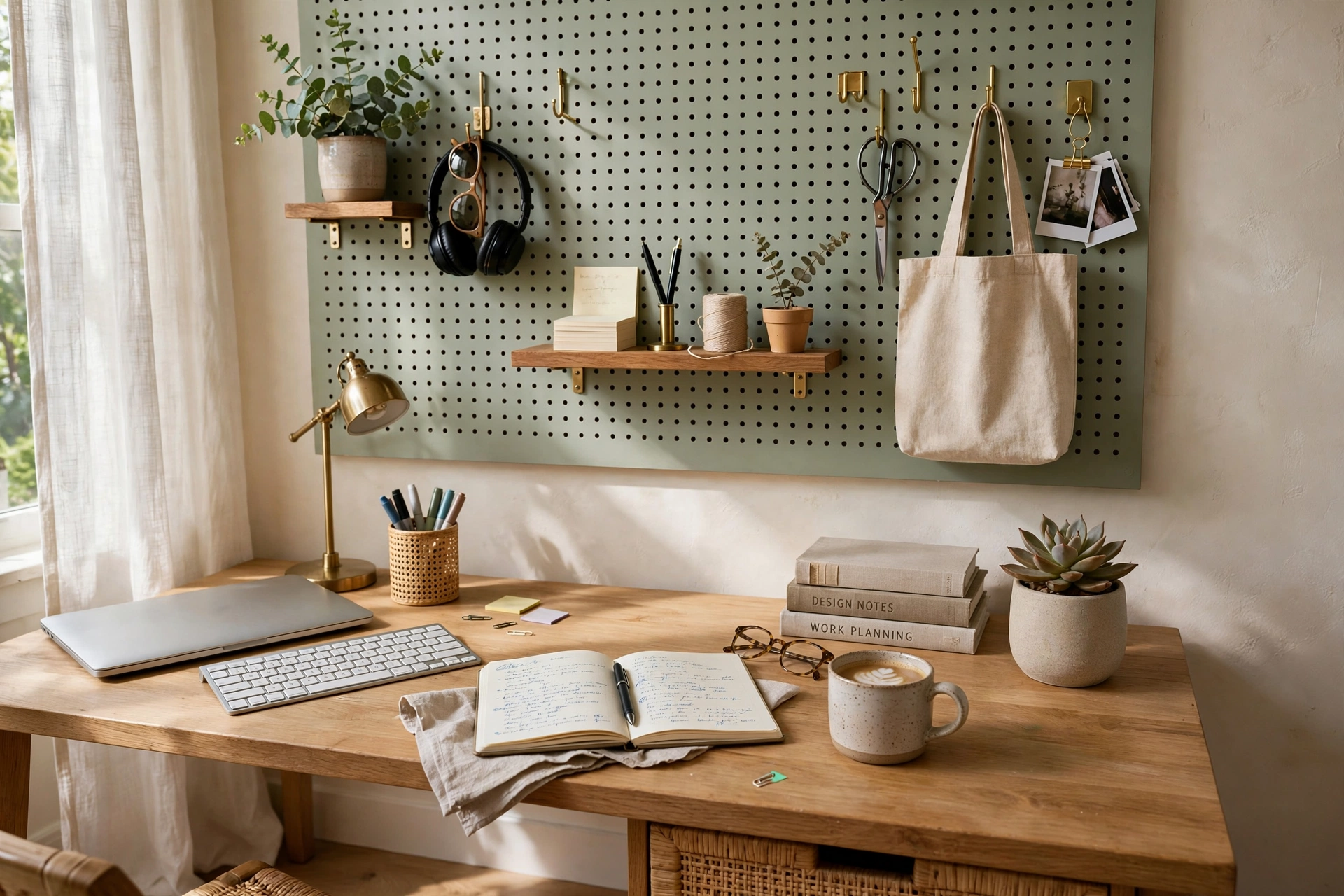
A pegboard hung in frame gives you a backdrop that is both decorative and functional. Paint it a sophisticated tone — deep green, warm charcoal, or soft white — and style it with a mix of small shelves, hooks holding headphones and a tote, a mini clock, and one trailing plant. The grid structure keeps the arrangement orderly even as you swap items in and out.
Mount the pegboard with a 1-inch spacer frame behind it so hooks seat properly, centering a 2×3-foot board at eye level behind your desk. Limit the color palette of accessories to two tones plus the board color. Because everything hangs on hooks, you can restyle in minutes before an important call — swap the tote for a framed print, tidy the hooks, done. Keep the lowest row of hooks above desk clutter height so the board’s bottom edge stays clean in frame.
8. Muted Accent Color Psychology
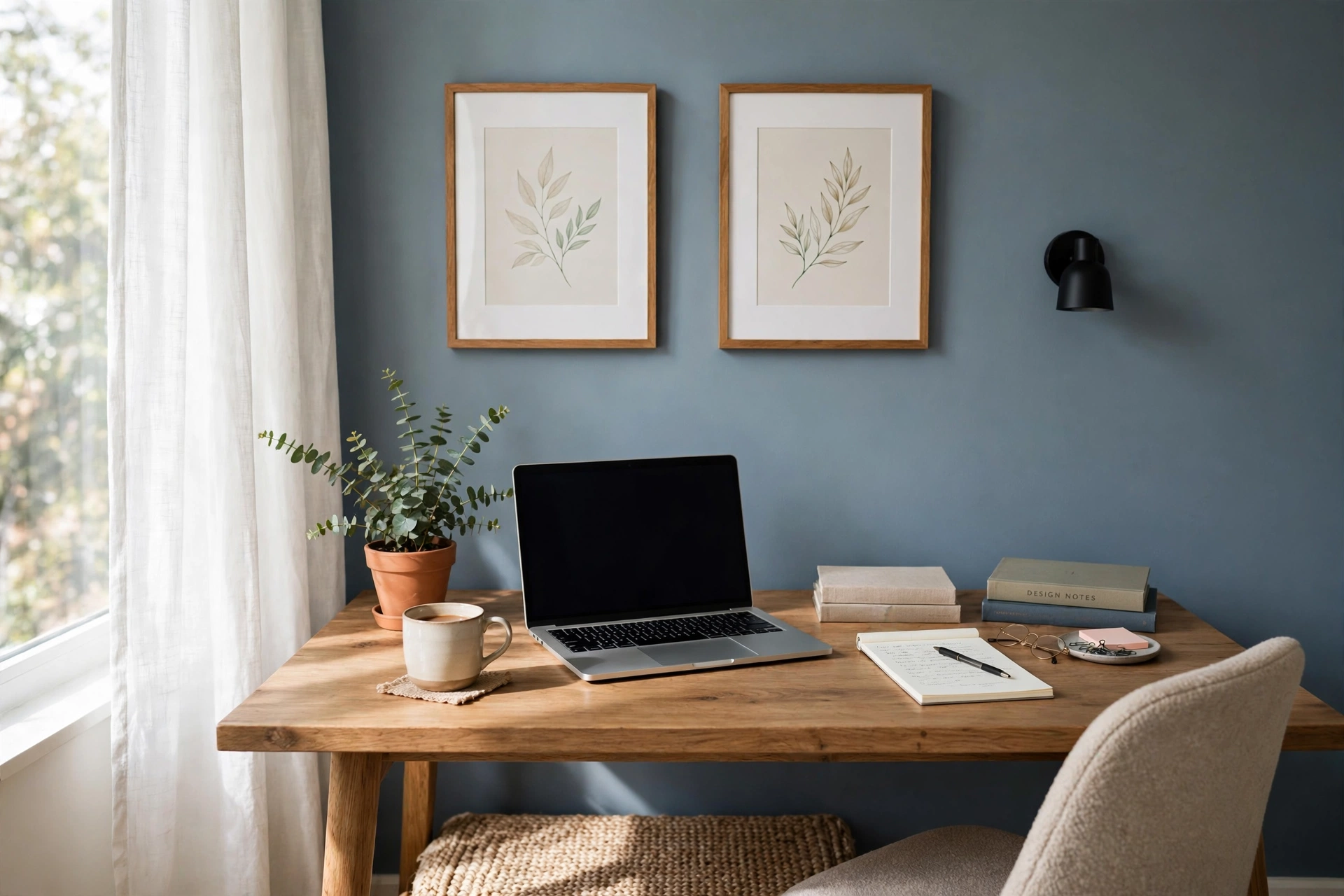
Color in your camera frame influences how people perceive you. Muted blues and blue-grays read as trustworthy and calm; soft sages and warm neutrals feel approachable; deep charcoals and navies convey authority. What to avoid: stark white walls (they blow out exposure), bright reds and oranges (they agitate and reflect color onto your face), and busy patterns that shimmer on compressed video.
You do not need to repaint the whole room — paint just the camera-facing wall, a 6–8-foot-wide section, in a matte finish to kill glare. Test the color on camera at your usual meeting time before committing, since webcams shift hues. If painting is off the table, a large canvas in your chosen tone hung behind you achieves the same effect. Pair the wall color with one echo of it in the foreground — a cushion, a book, a planter — to make the palette feel designed.
9. The Four-Foot Declutter Rule
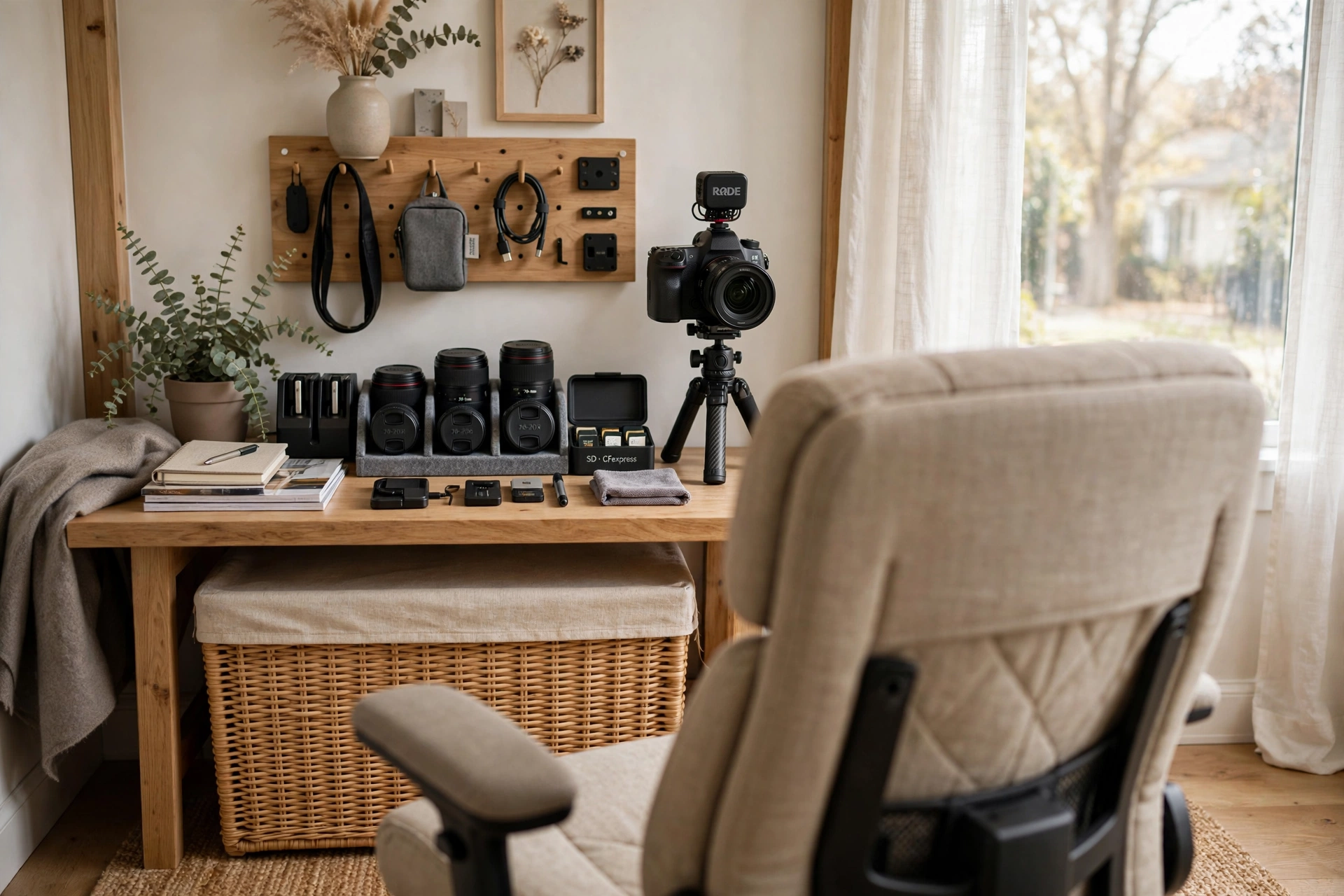
Draw an imaginary box extending 4 feet behind and 2 feet to each side of your chair — that is your camera zone, and it must stay ruthlessly tidy. Cables, laundry baskets, half-open drawers, and stacked boxes inside this box will all appear on calls, while the same mess six inches outside it is invisible. Do a 60-second reset before important meetings: clear surfaces, close closet doors, and stash loose items in a lidded basket kept just out of frame.
Build the habit into the room: give every in-frame object a home, use cable sleeves under the desk, and keep a small lidded bin beside your chair as a “sweep” container for quick tidies. Remove personal items you would not want a client to read — medication bottles, mail with addresses, family photos you would rather keep private. A consistently tidy frame matters more than any single decor purchase.
10. Minimal Visible Desk Styling
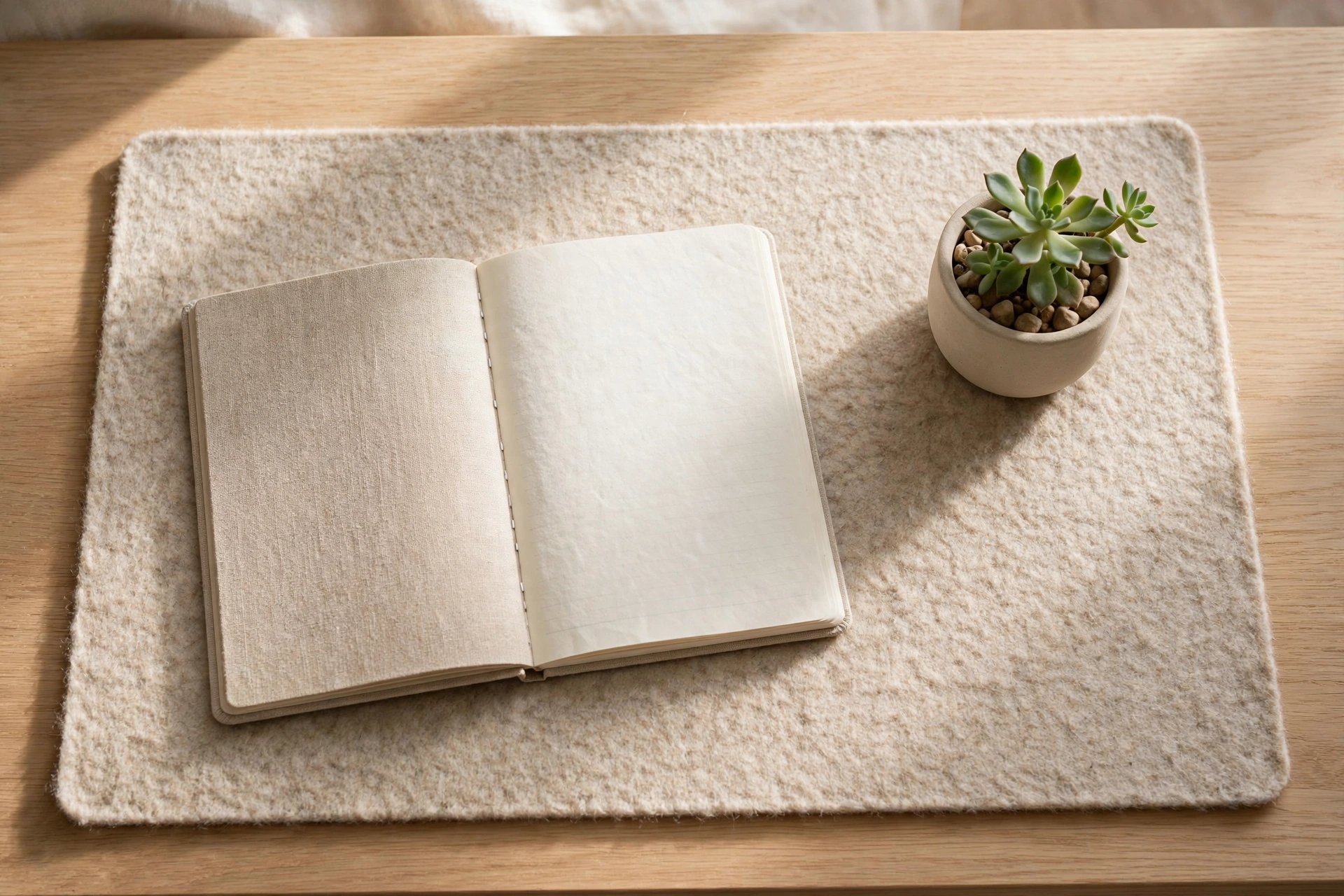
Your desk surface often appears at the bottom of the frame, so style the 12-inch strip the camera sees. Keep it to five items or fewer: monitor or laptop, a notebook, a pen cup, one small plant or object, and your water glass. Push everything else — chargers, paperwork, snacks — to the desk’s far side or into drawers.
Use a desk mat to visually corral the zone; it defines the “stage” and hides minor scratches. Choose accessories in two materials maximum (wood plus matte black, or white ceramic plus brass) for cohesion. Keep the desk edge parallel to the camera for a clean horizontal line, and wipe the surface before calls — webcams in HD mercilessly reveal dust and fingerprints. This strip is also where a small ring light or LED bar can sit without entering the frame.
11. Folding Screen Room Divider
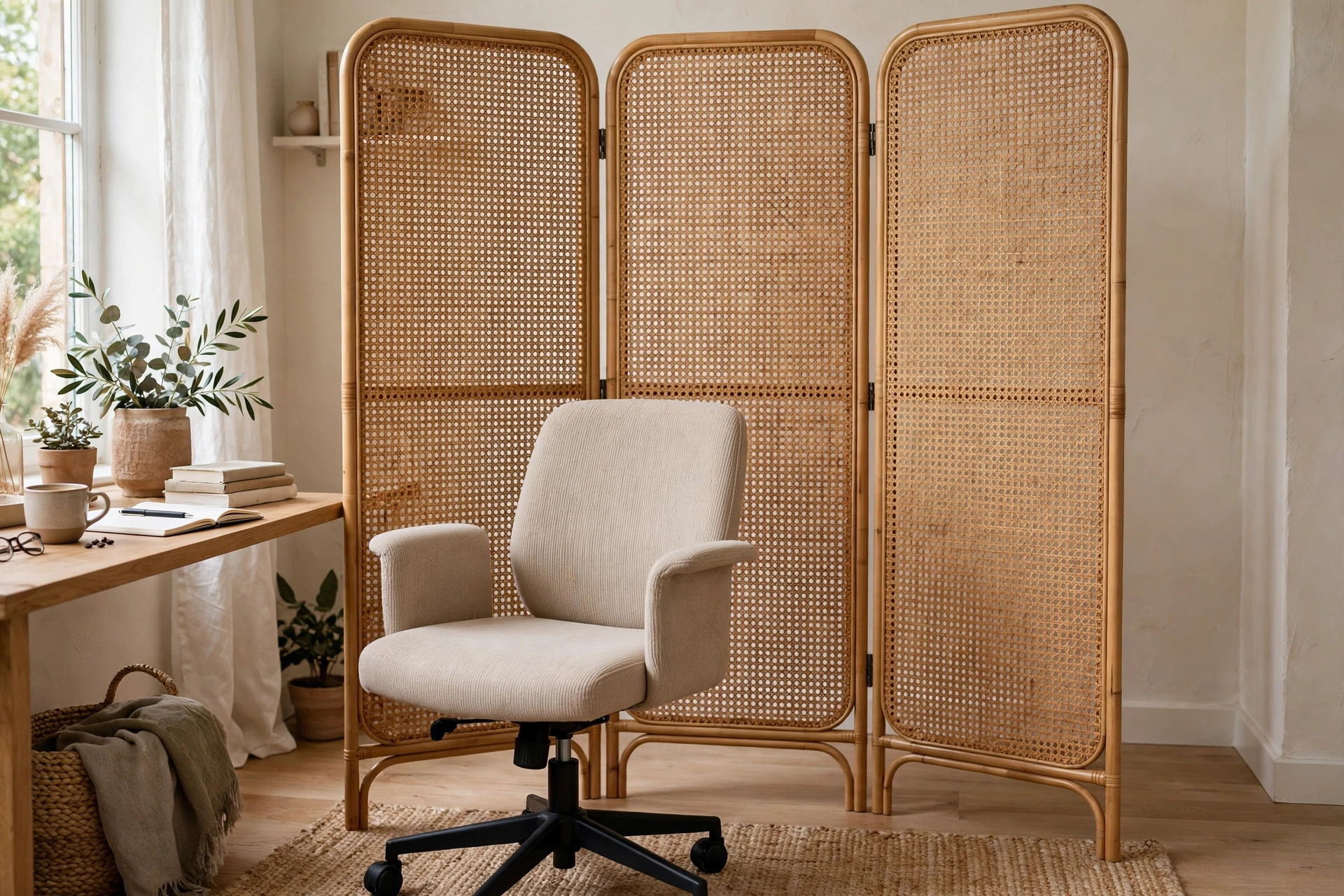
In multipurpose rooms, a folding screen creates an instant, dedicated backdrop. A three-panel shoji-style, cane-webbing, or upholstered screen placed 3–4 feet behind your chair hides beds, exercise equipment, or kitchen chaos completely. Choose a screen at least 5.5 feet tall so its top edge stays out of frame when you sit.
Cane and rattan screens add texture and let some light through, keeping the shot airy; solid upholstered screens in bouclé or linen absorb sound as a bonus. Angle the outer panels slightly forward to wrap the composition and add depth. When the workday ends, fold it away and reclaim the room. Measure your camera’s horizontal field of view at your seating distance first — most webcams need the screen to span 5–6 feet wide to fill the frame edge to edge.
12. Textile Wall Hanging Backdrop
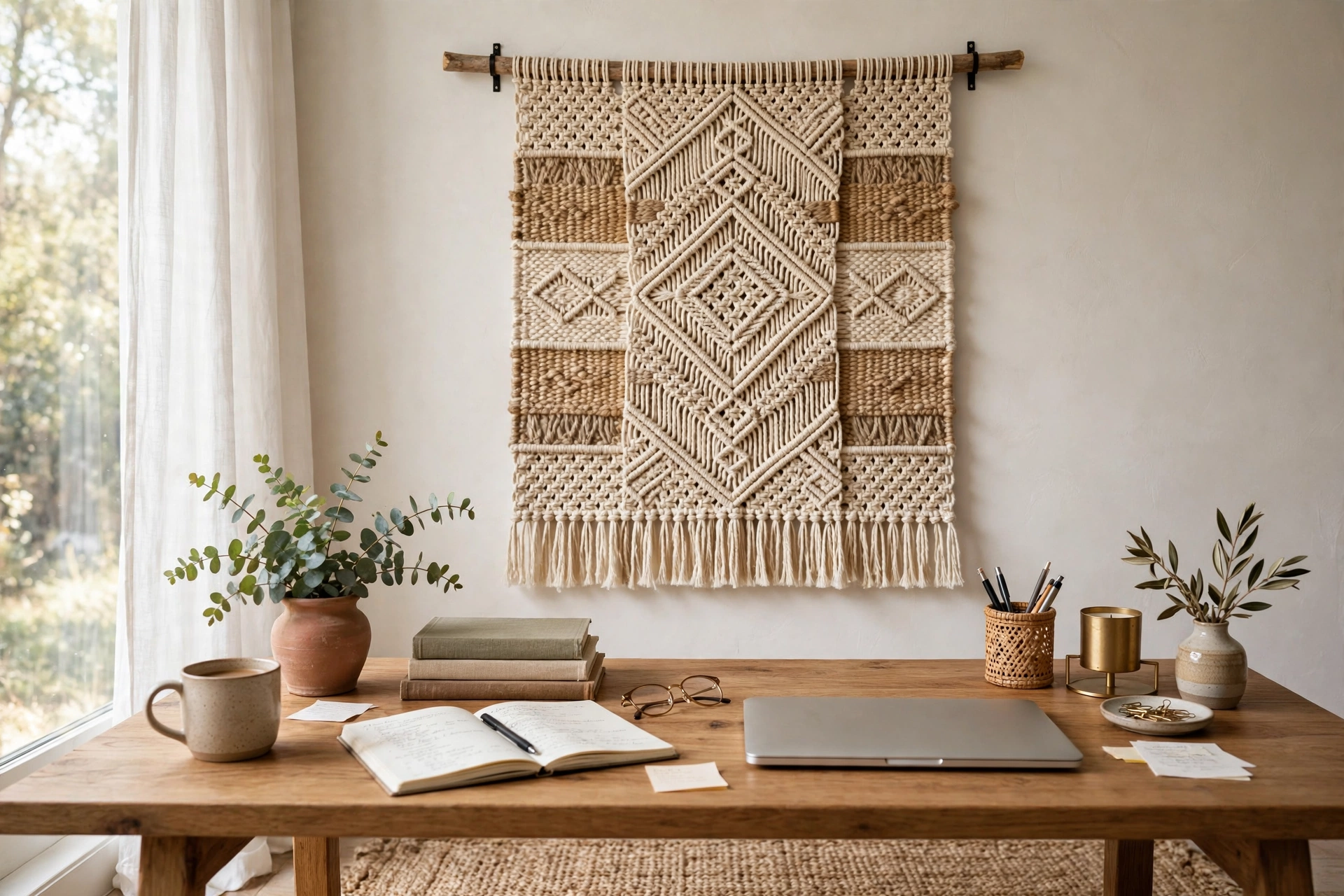
A large textile — a woven wall hanging, macramé piece, or fabric tapestry — softens the background with texture that reads beautifully on video. Hang a piece roughly 3×4 feet centered behind you, with its center at 52–56 inches from the floor. Natural fibers in cream, oatmeal, or muted earth tones add warmth without competing for attention.
Mount with a wooden dowel and two small hooks, or use a tension rod inside a fabric sleeve for a damage-free rental option. Steam out wrinkles before hanging; creases catch light unevenly on camera. Layer a smaller framed print overlapping one corner for a styled, collected feel. Textiles also dampen echo slightly — a welcome side benefit in rooms with hard floors. Avoid high-contrast graphic tapestries, which can moiré and shimmer under video compression.
13. Symmetrical Lamp Pair
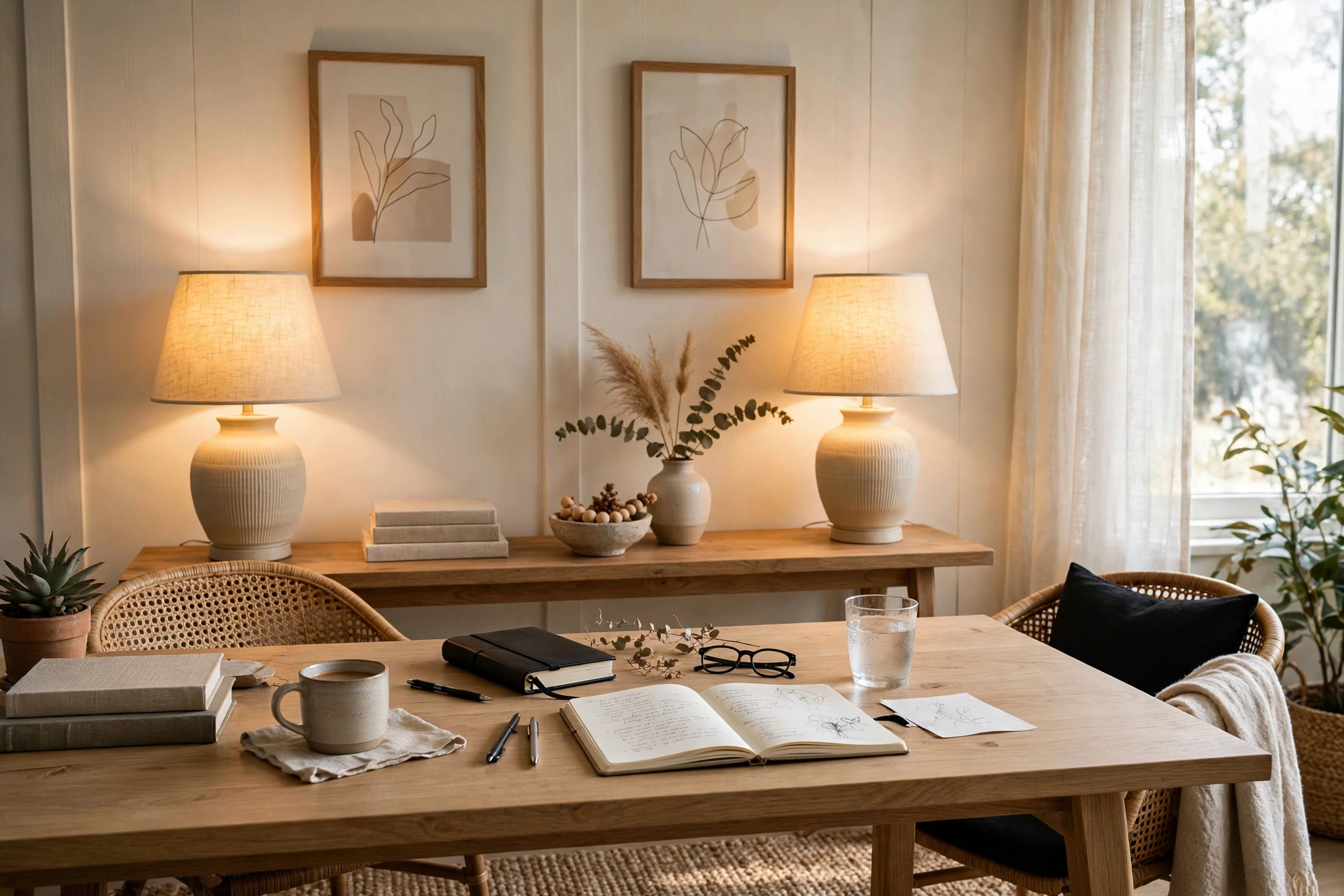
Two matching table lamps flanking the background — on a console table, bookshelf, or credenza behind you — create symmetry that the human eye reads as order and competence. Choose lamps 18–24 inches tall with opaque or linen shades that throw a warm, diffused glow; set both to the same 2700–3000K bulb so the color matches.
Place them equidistant from your centerline, about 4–5 feet apart, at a height where the shades sit just above your shoulder line in frame. Plug both into a single smart plug so one tap sets the scene before calls. The warm pools of light add the depth that flat overhead lighting destroys, and on evening calls they keep the background visible instead of falling to black. Keep lampshade interiors clean — dust dims the glow noticeably over months.
14. Hanging Plant Shelf
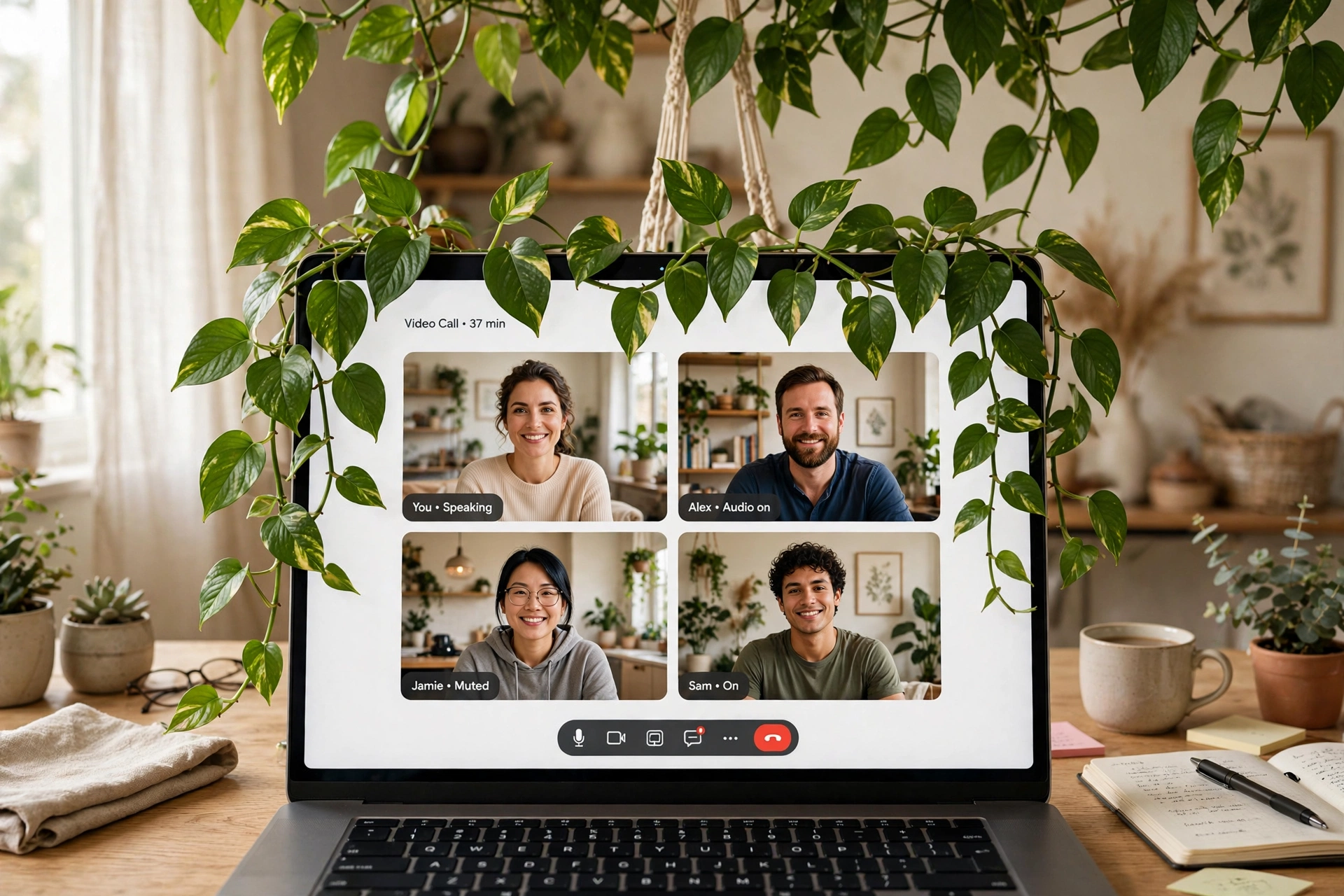
Trailing plants — pothos, philodendron, string of pearls — hung at the frame’s upper edge add a soft, living canopy that draws the eye upward and fills dead space above shelving. Mount two or three ceiling hooks or a wall-mounted bracket 7–8 feet high, just inside the camera’s top edge, and let vines cascade 2–3 feet down.
Use lightweight planters (under 5 pounds each when watered) and screw hooks into ceiling joists, not just drywall. Water over a tray to protect floors, and trim vines so they frame rather than cover your head — aim for greenery occupying the outer 15% of each side. If ceiling mounting is impossible, a tall étagère with trailing plants on its top shelf achieves the same effect. For placement and care specifics, our home office lighting ideas for bright productive days also covers matching plants to your room’s light levels.
15. Foreground-Midground-Background Depth Layering
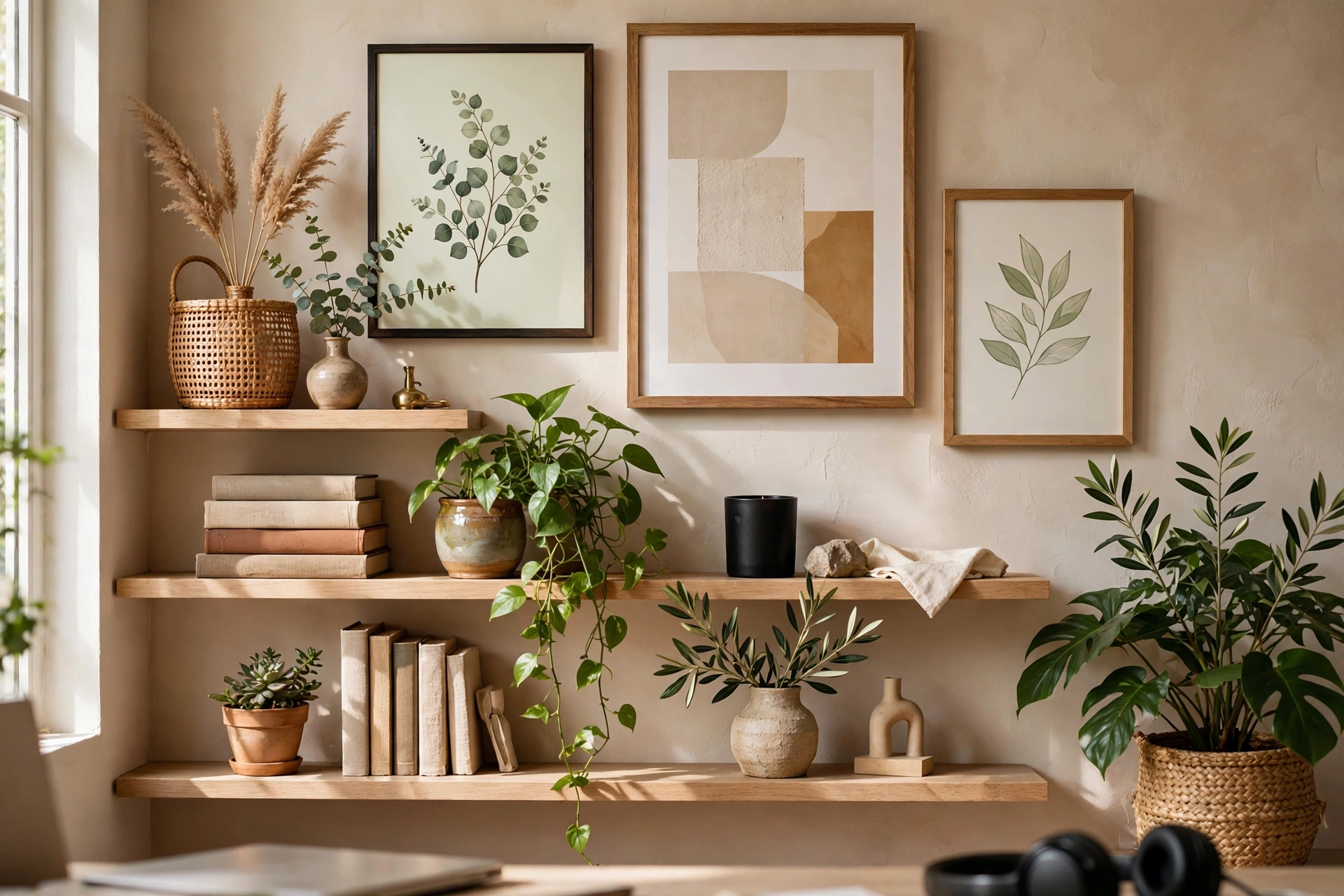
Professional-looking frames have depth: something near the camera, something in the middle, and the wall behind. Build all three layers deliberately. Foreground: a plant frond, a stack of books, or a mug at the very edge of the frame, slightly out of focus. Midground: you, your styled shelves, and your lighting. Background: the wall color or art, sitting 4–8 feet behind you.
Create the separation physically — pull your chair 3–4 feet from the wall instead of backing against it. The distance lets your webcam’s depth blur soften the background while you stay sharp, instantly mimicking a portrait lens. Check the composition in your screenshot test: you should see clear separation between your shoulders and the wall, with the foreground element soft at the frame’s edge. This layering is the difference between “person in a room” and “broadcast setup,” and it costs nothing.
Frequently Asked Questions
What should I put behind me on Zoom calls?
Style the 4–6-foot zone your camera captures with three layers: a calm wall color or art as the backdrop, styled shelving or a bookcase in the midground, and one living element like a plant. Keep the palette to two or three colors, limit visible objects to under a dozen, and make sure everything inside the frame has a deliberate place. The videotelephony overview notes how much visual context video calls transmit — your background is part of the message.
How do I make my Zoom background look professional on a budget?
Face a window for free flattering light, declutter the 4-foot zone behind your chair, and add one $30–$50 move — a trailing pothos, a matching pair of frames, or a textile hanging. Repainting just the camera-facing wall in a muted tone costs one sample pot and an afternoon. Lighting and tidiness outperform expensive furniture every time.
Should I use a virtual background instead of styling my room?
Real backgrounds beat virtual ones: they do not glitch around your hair and hands, they convey authenticity, and they work on every platform without processing lag. Use virtual backgrounds or blur only as a backup for truly chaotic days. A modestly styled real background reads as more professional and trustworthy than even a perfect virtual office.
What colors work best for a video call background?
Muted, desaturated tones: soft blue-gray, sage, warm greige, and deep navy or charcoal for authority. Avoid pure white (exposure blowout), saturated reds and oranges (distracting and they cast color onto skin), and fine busy patterns (they shimmer under compression). Always test your chosen color on your actual webcam at meeting times before committing.
How high should decor hang for a Zoom background?
Center the composition behind your seated head height: artwork and shelf centers at 52–60 inches from the floor, with key pieces landing just above your shoulders in frame. Sit in your chair and have someone hold pieces up while you watch your video preview — that live check beats measuring alone. Keep the top of tall elements like plants or screens above the frame’s upper edge so nothing gets awkwardly cropped mid-object.
Keep Exploring
Screenshot your current video feed, pick the two or three ideas above that address its weakest spots — usually lighting, clutter, and flatness — and implement them this weekend. Small, deliberate changes to that little framed rectangle pay off in every meeting you take from home.